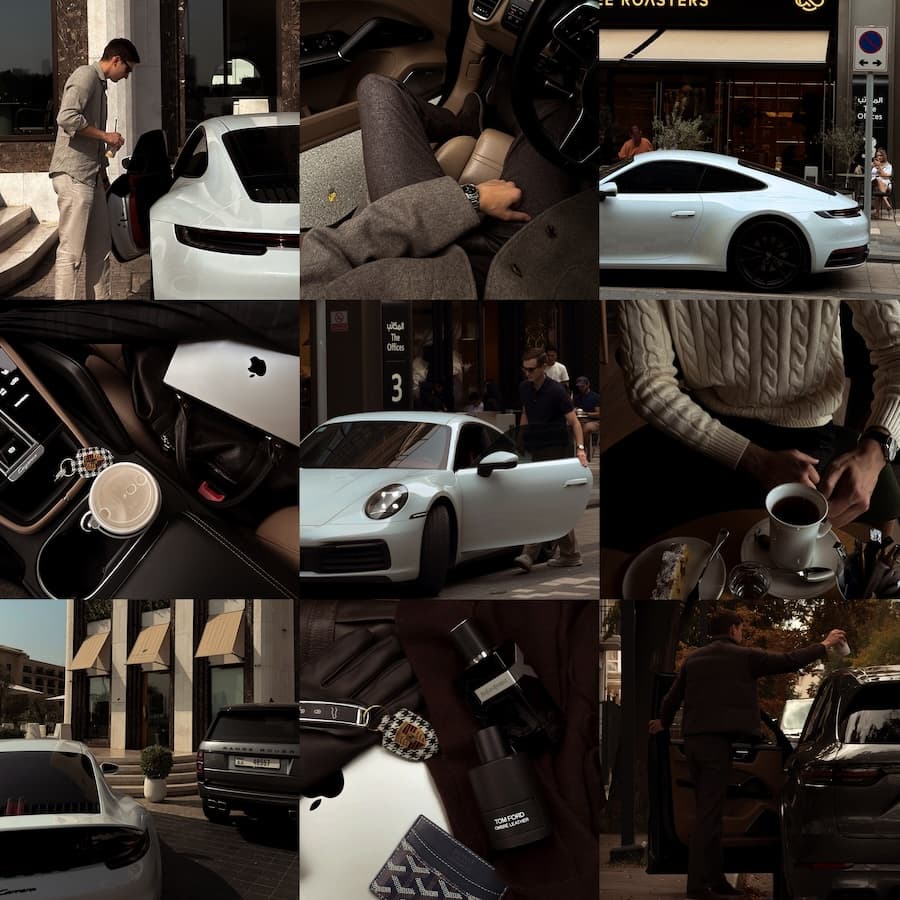
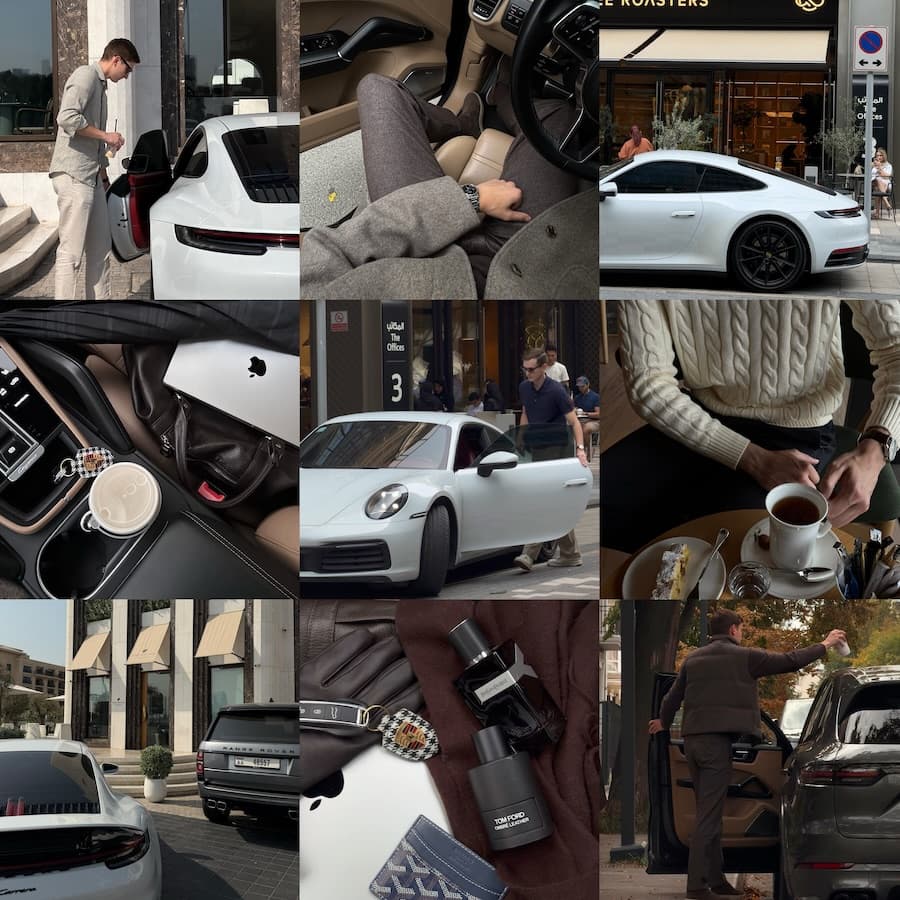
Popular choicePhoto + Video
Popular choice. Trendy colors.
Brown / Dark · Photo / Video
Brown Premium + Dark Mood · Presets and LUTs · everything in one purchase · 34 Presets · 46 LUTs
Lightroom Mobile · 10 presets for everyday
Essentials is a universal pack of 10 presets for everyone and every day. Coffee, outfits, the street, a café, your desk — one tap turns them into calm, muted, slightly deeper tones that look good together. No editing skills needed.
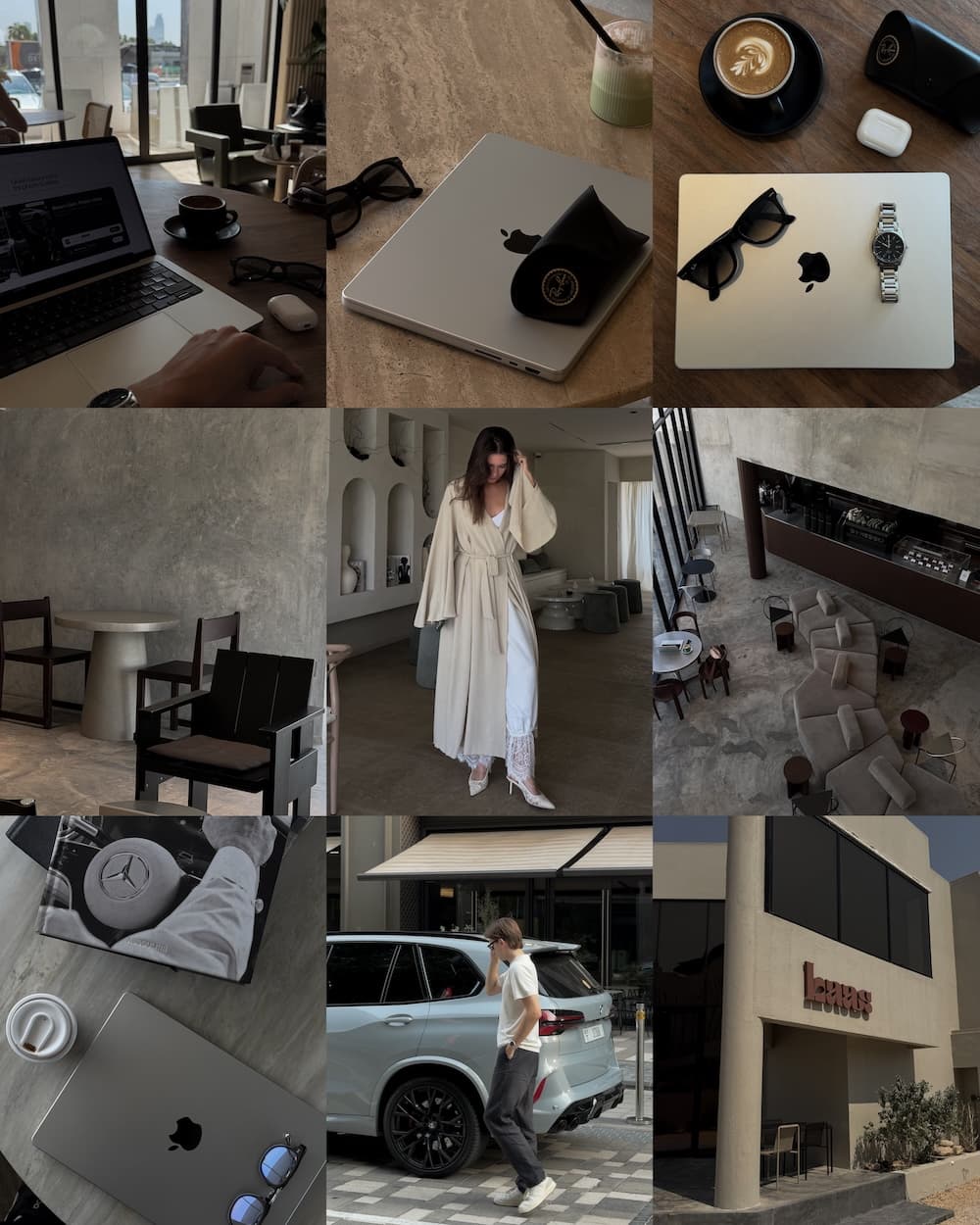
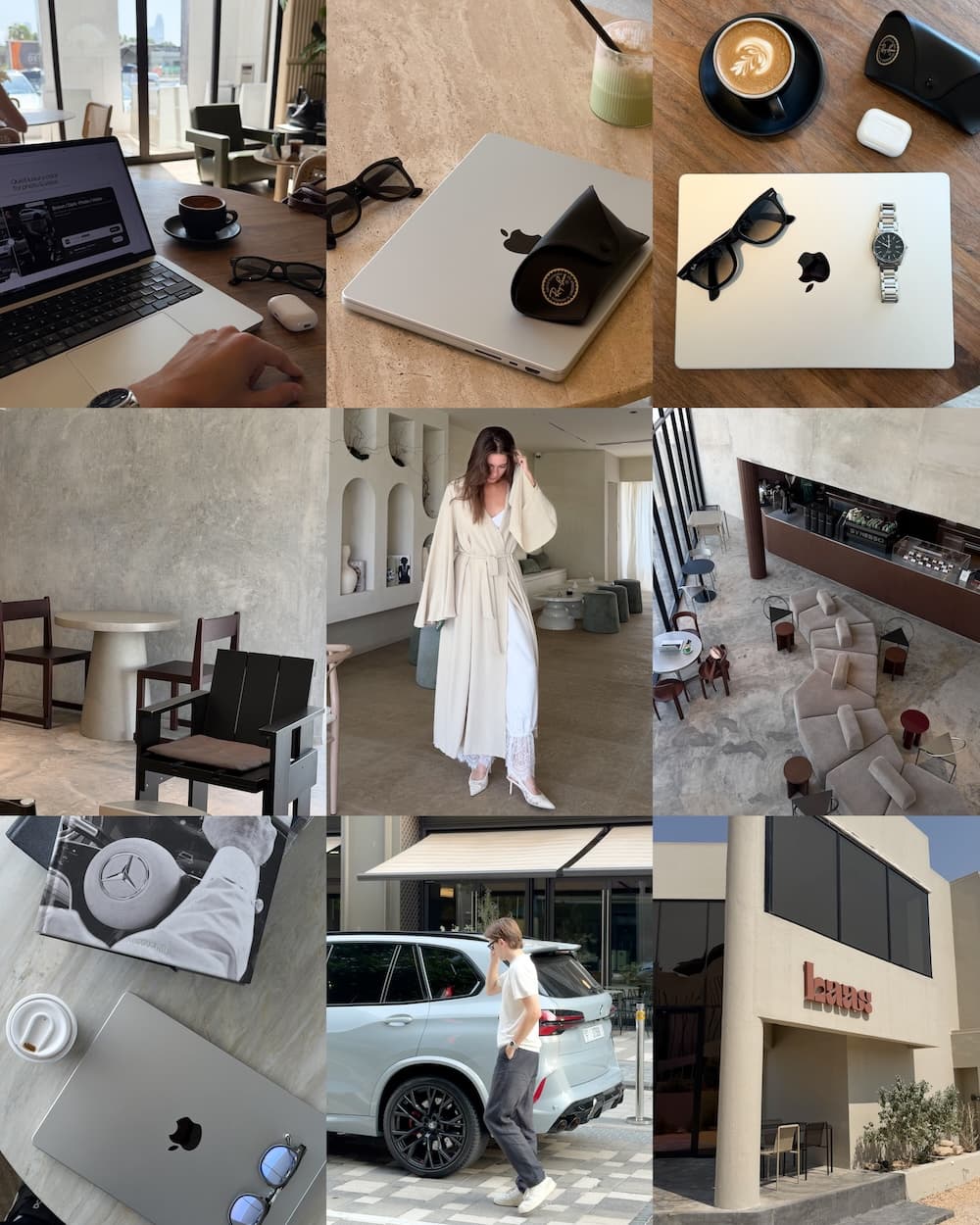
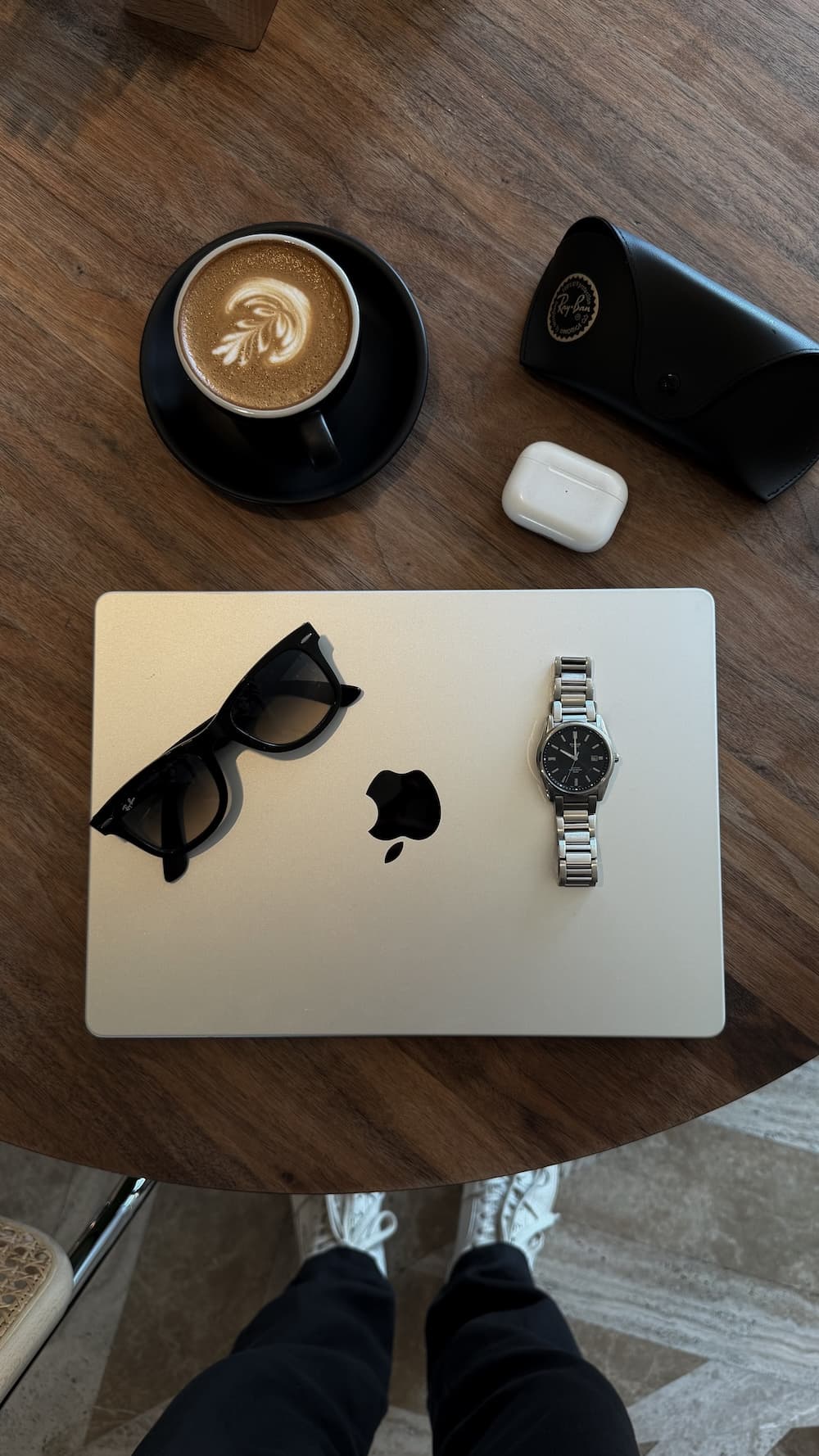
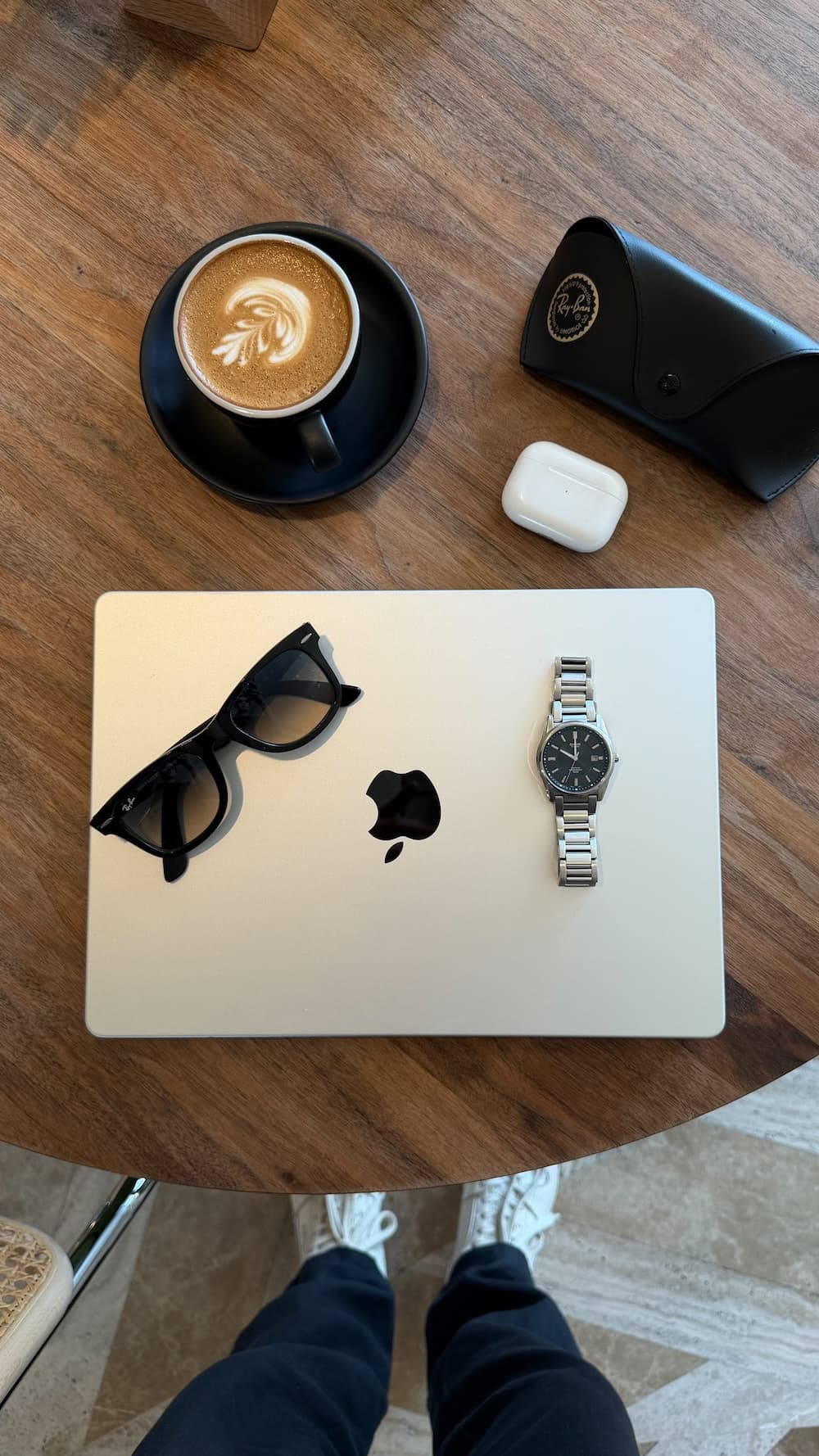
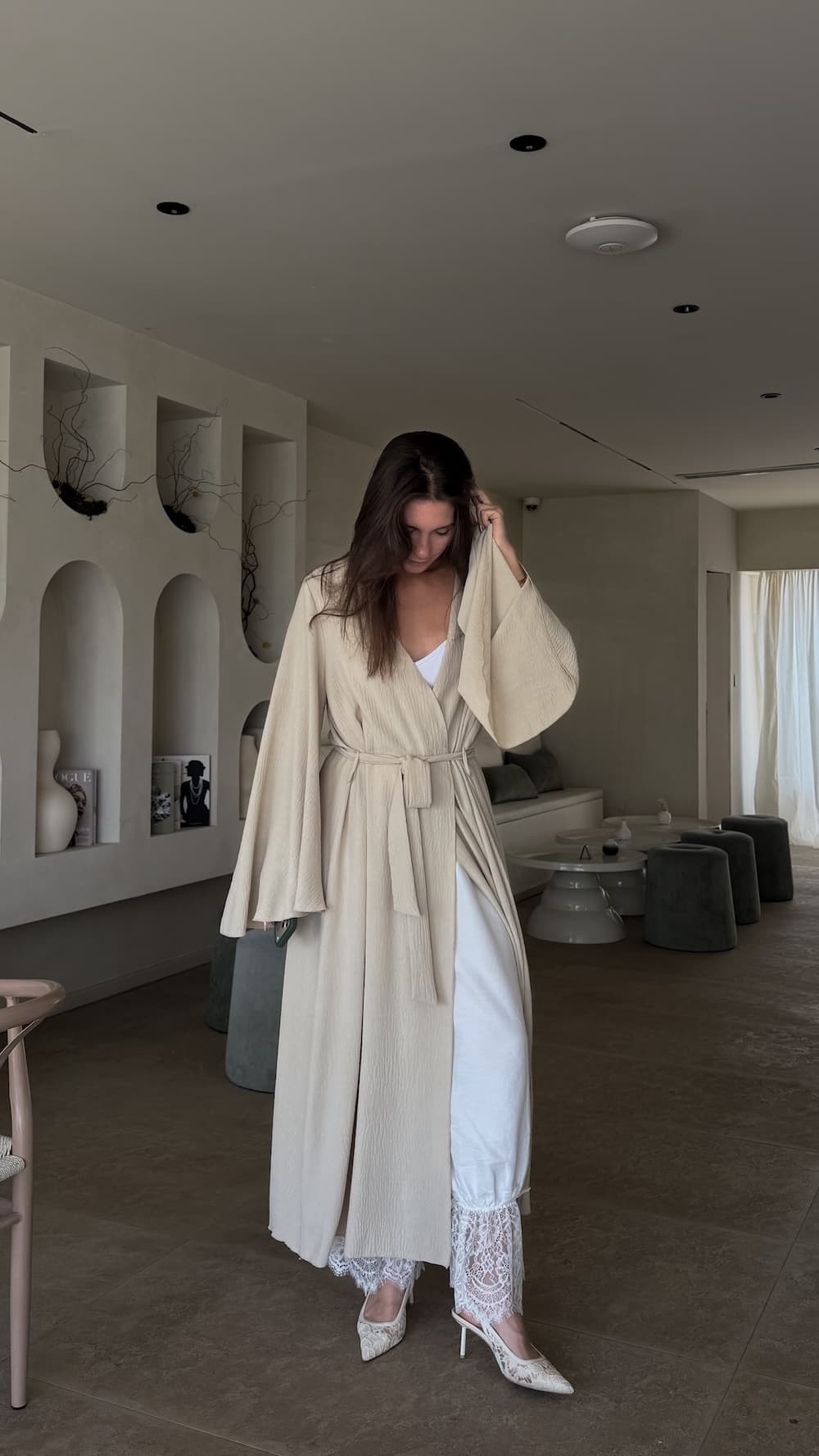
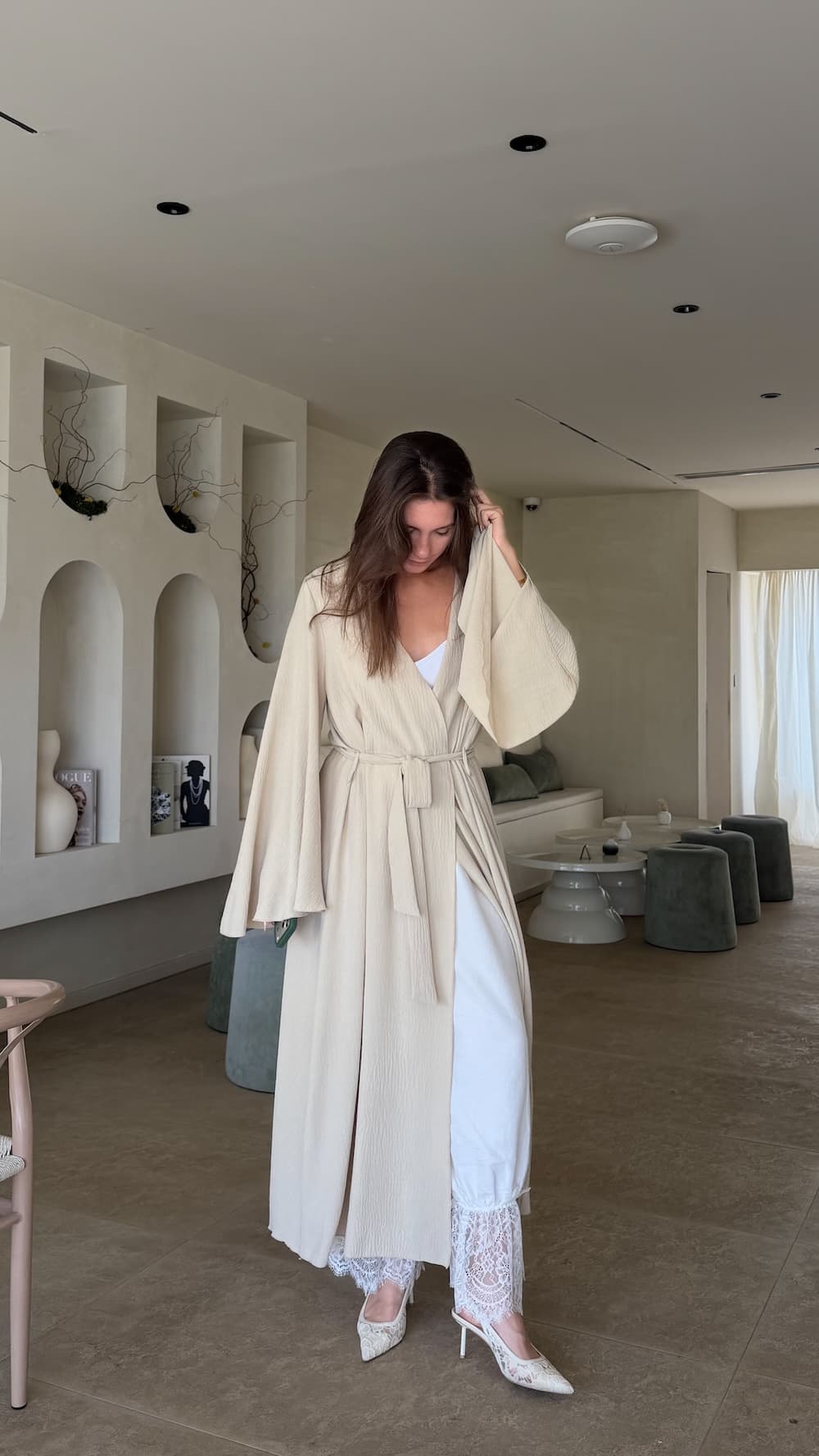
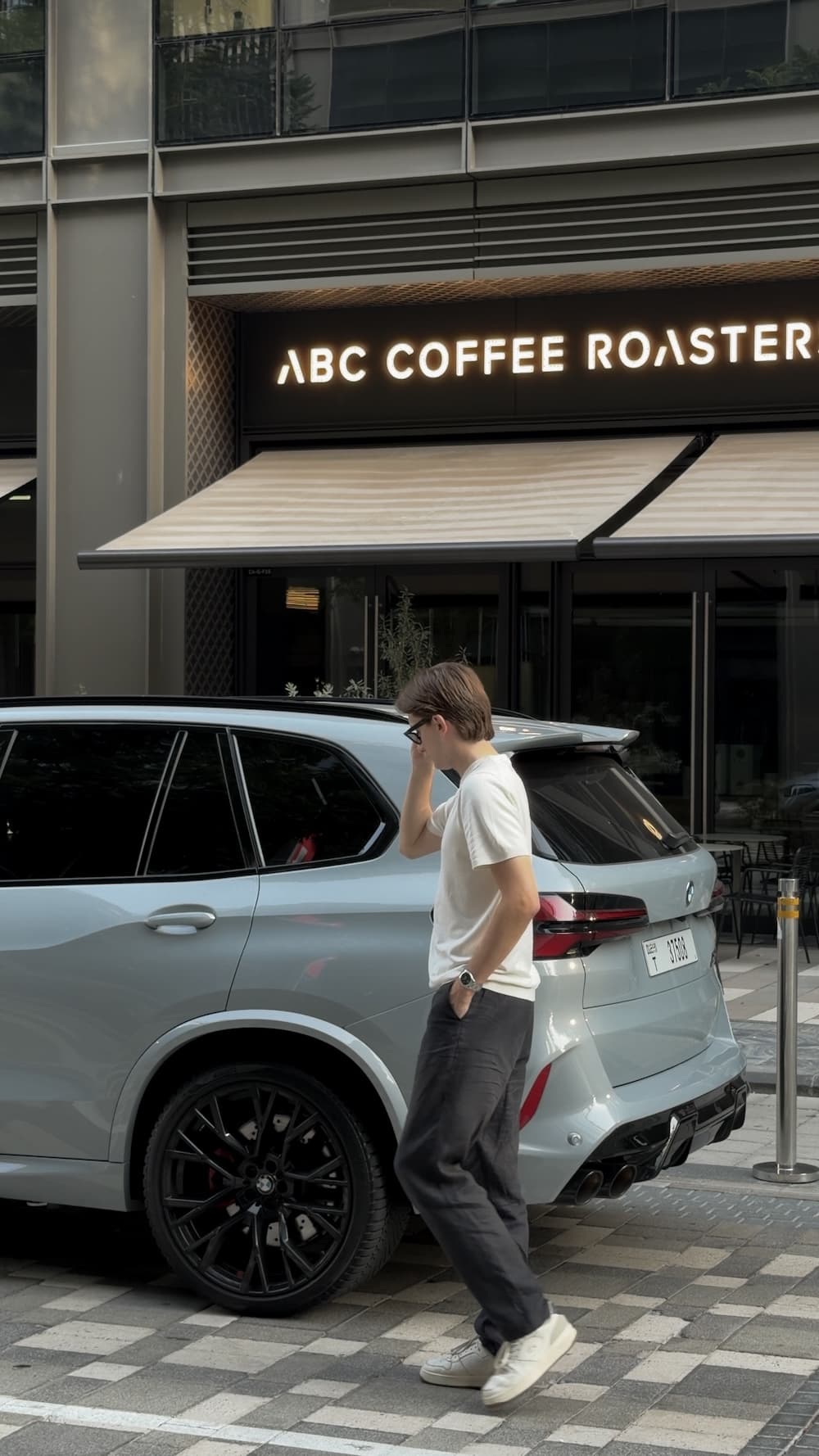
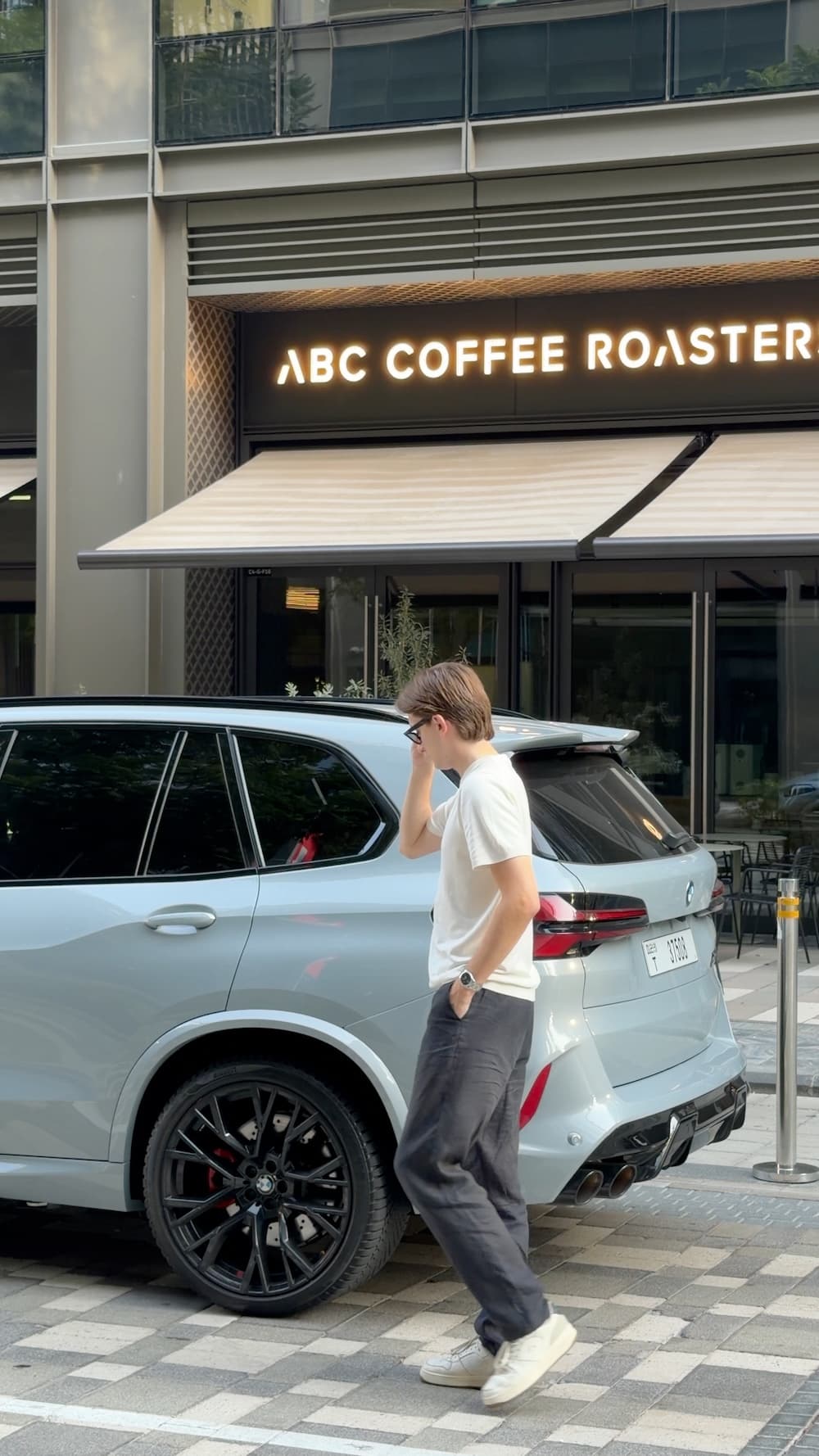
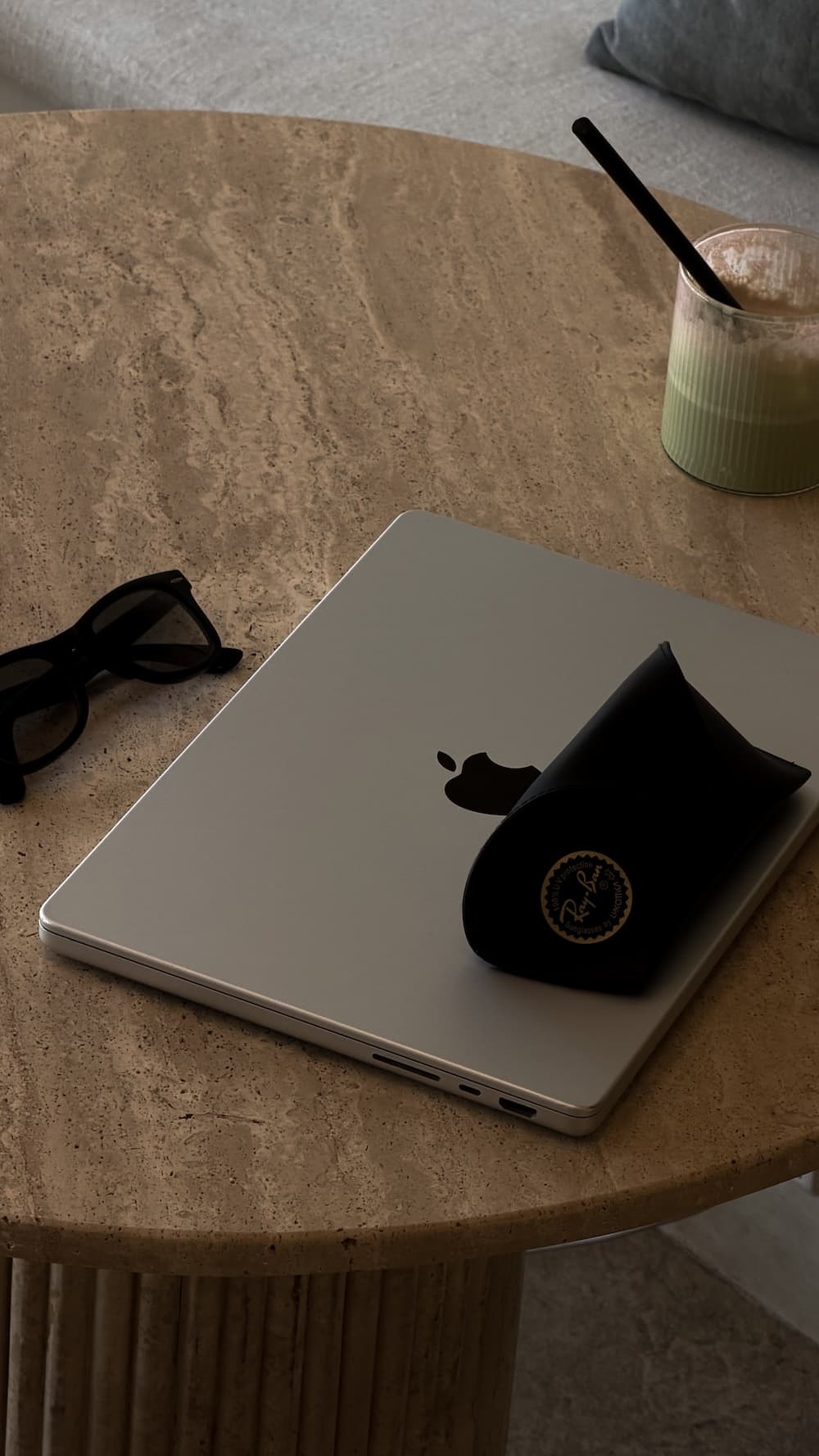
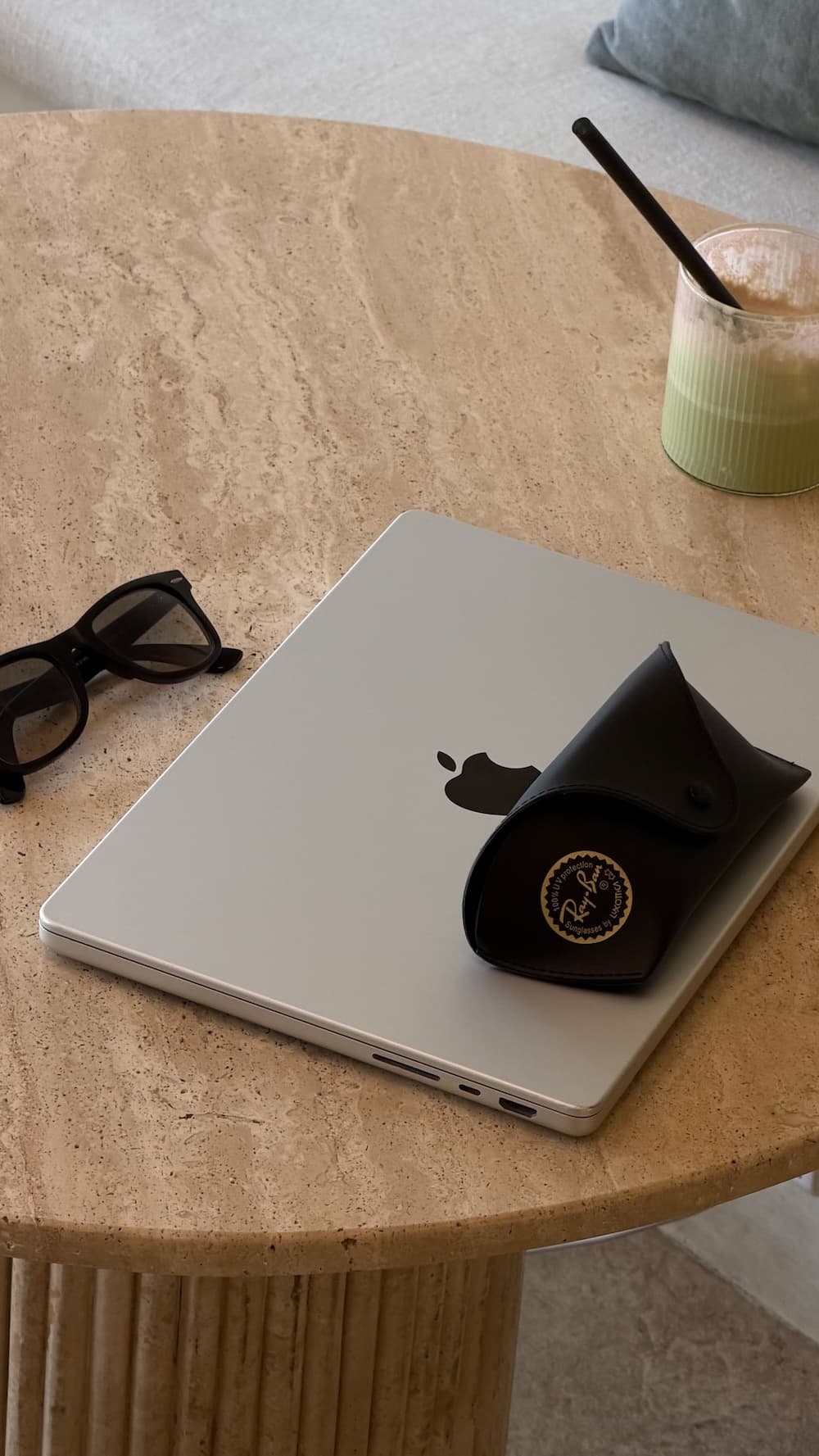
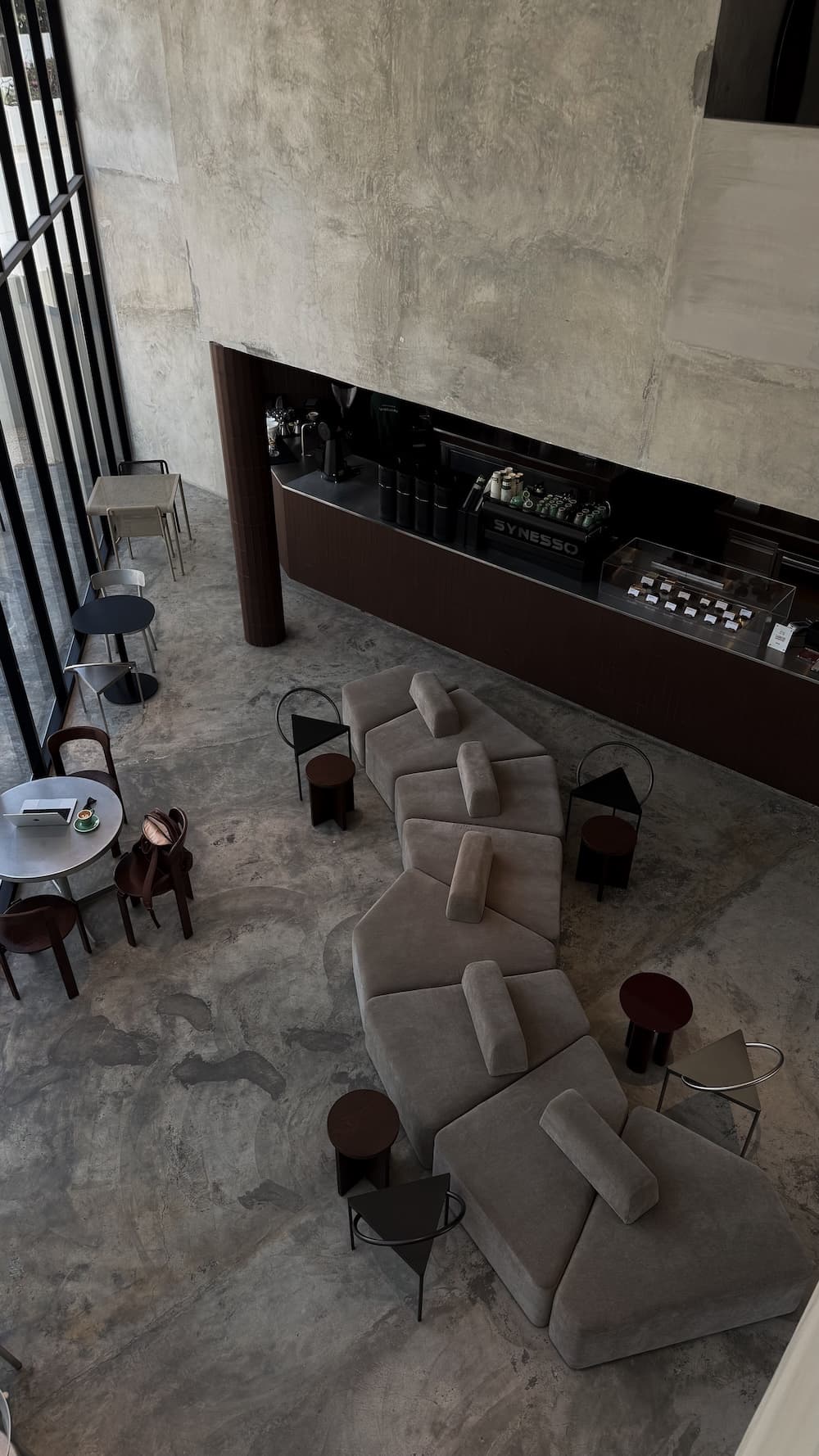
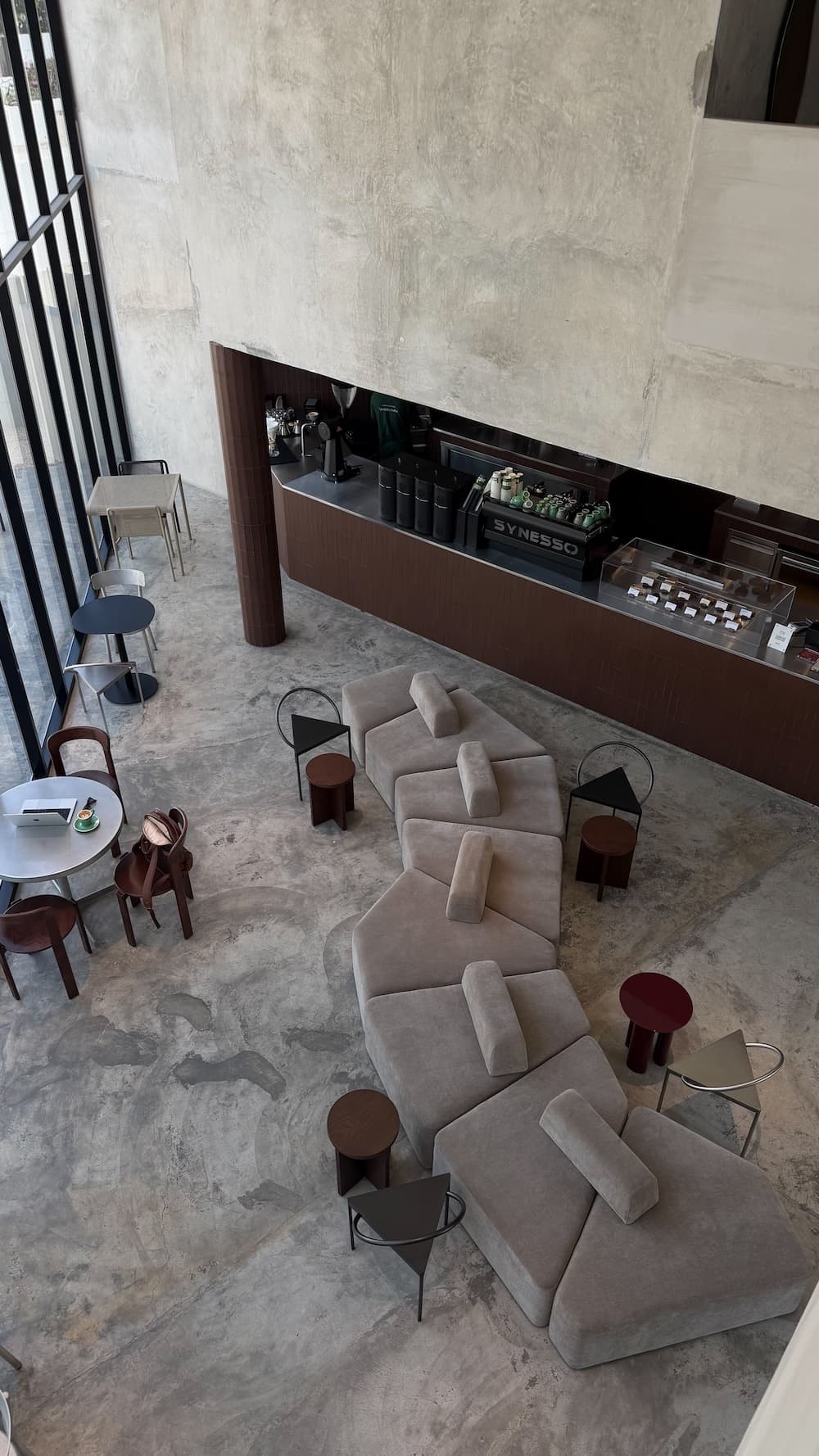
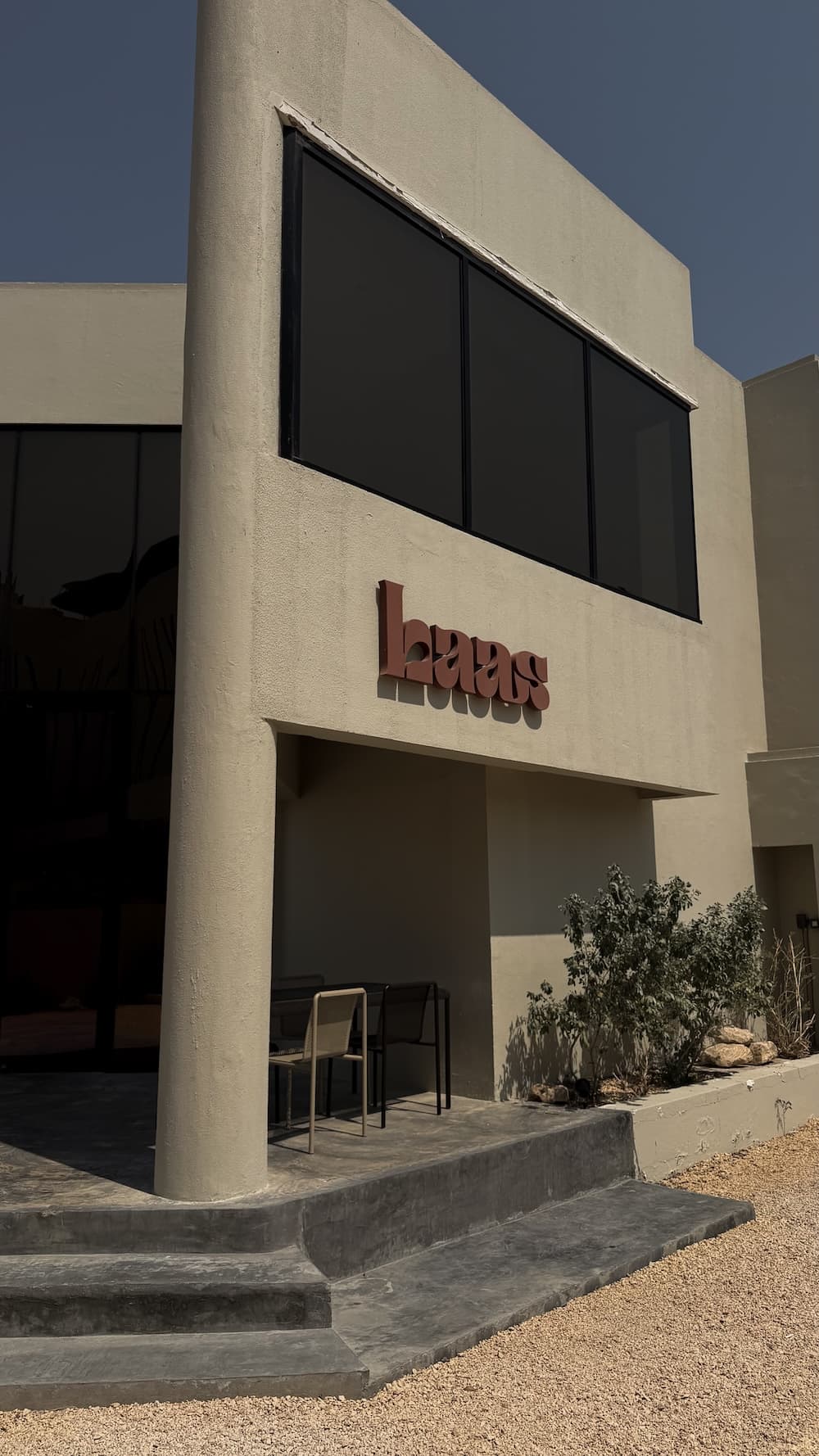

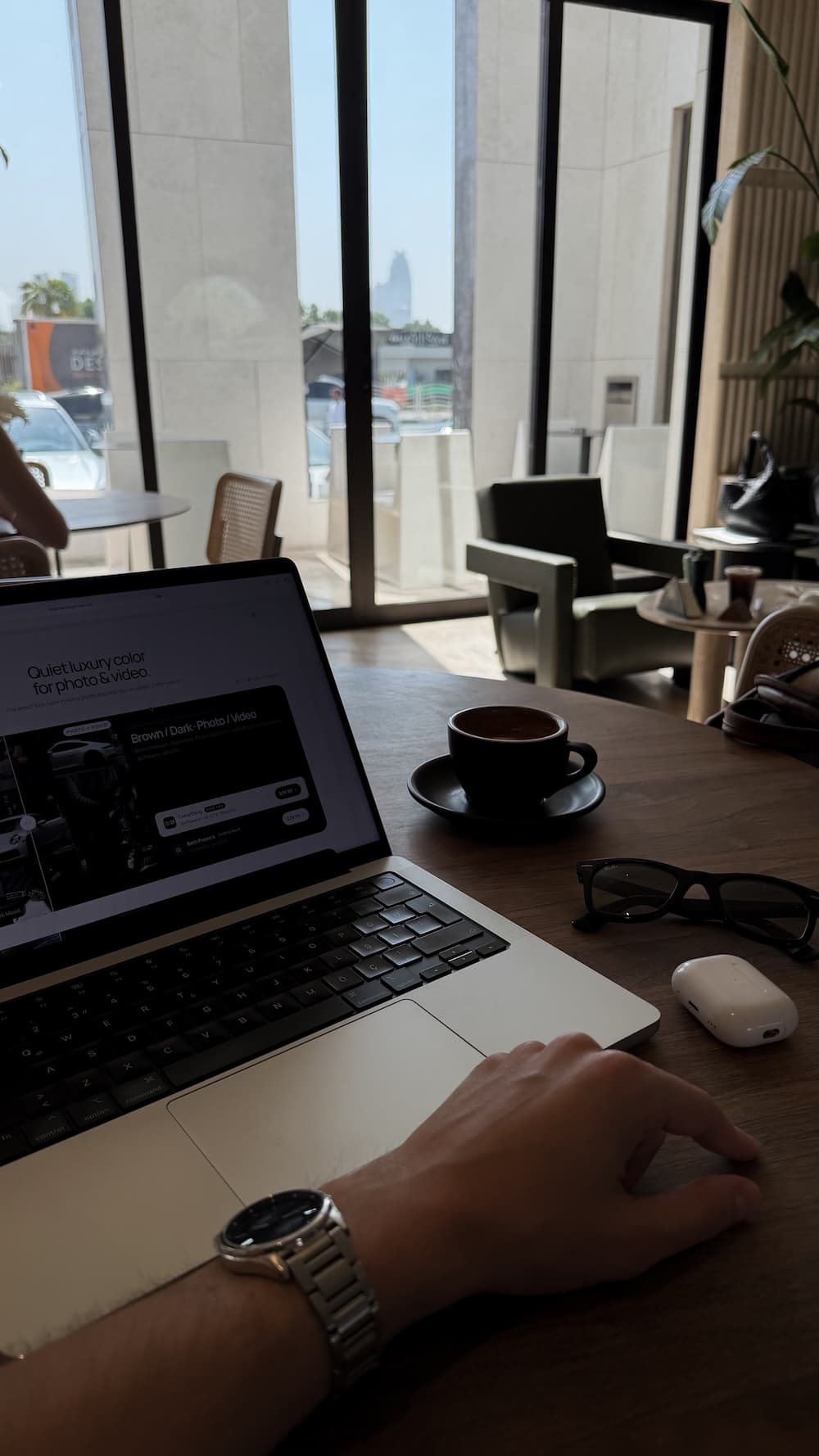
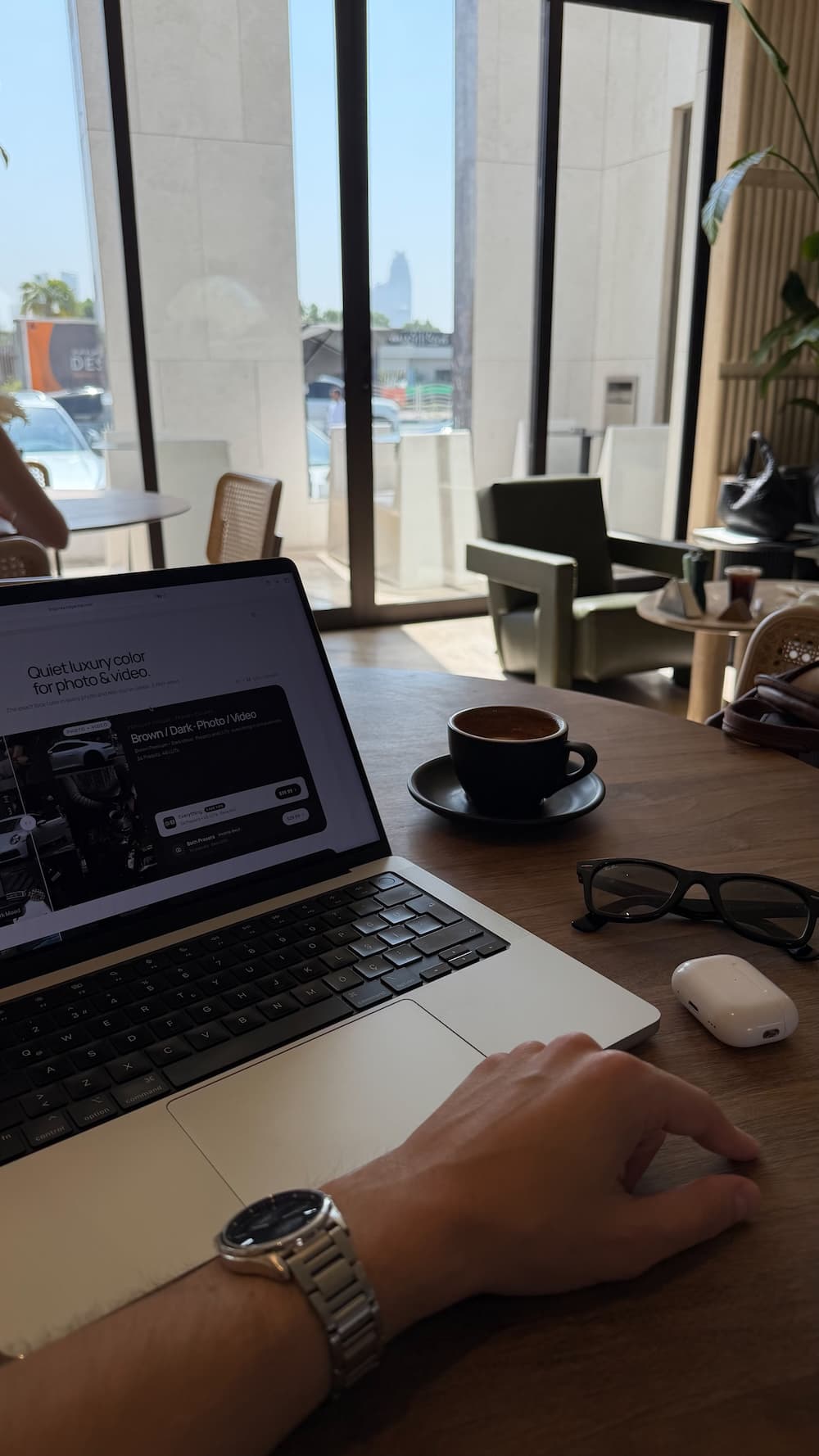
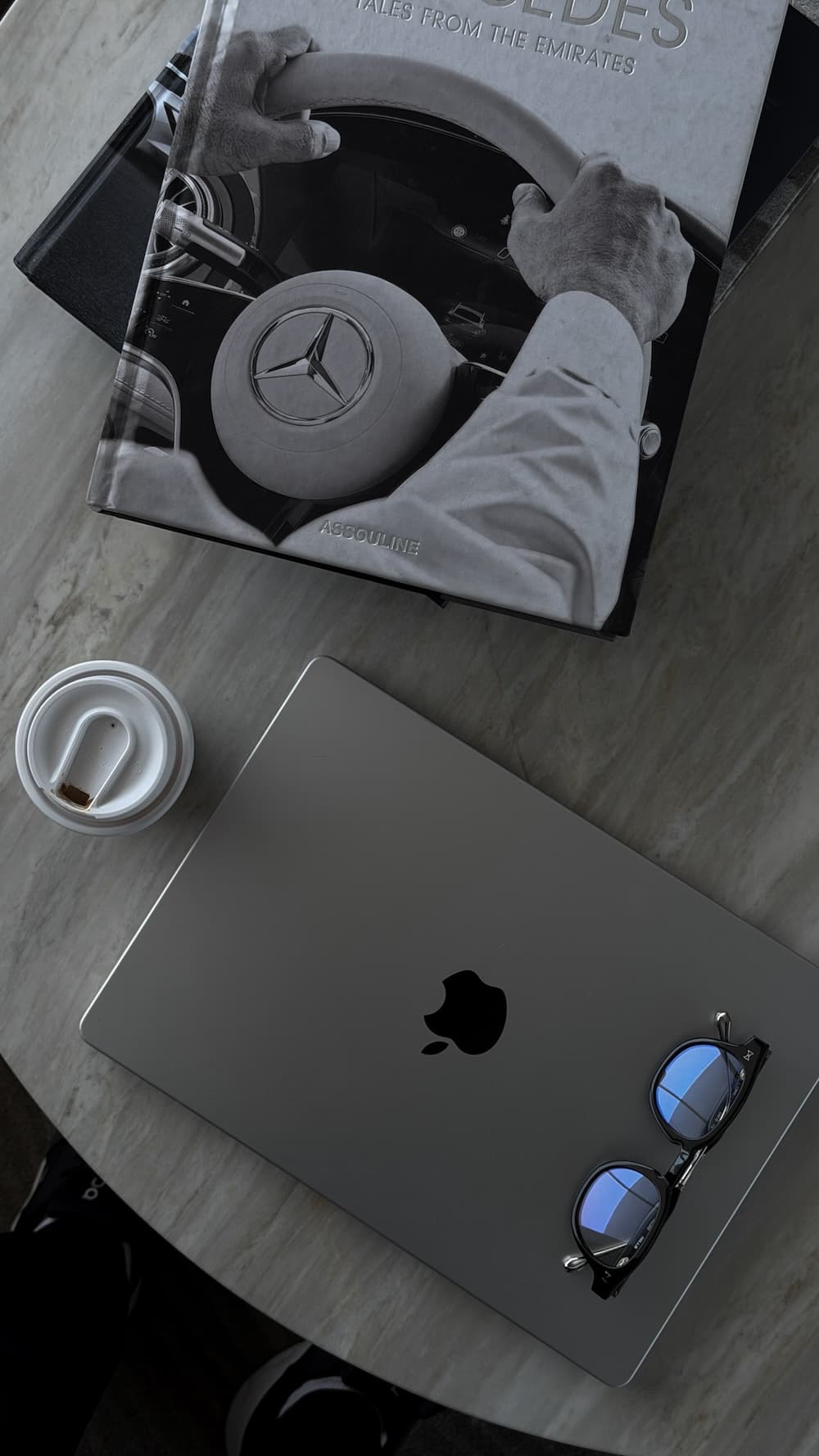
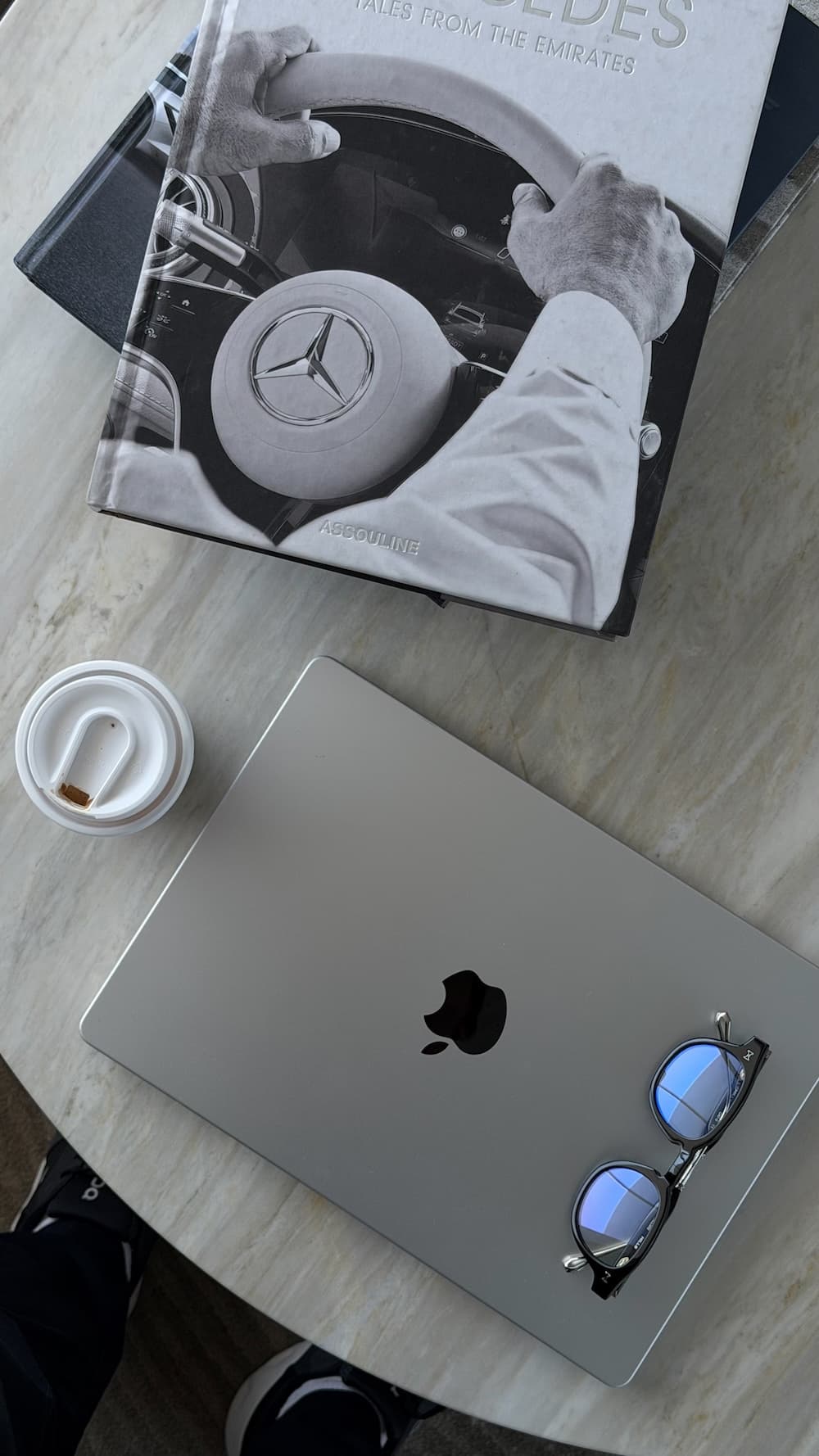
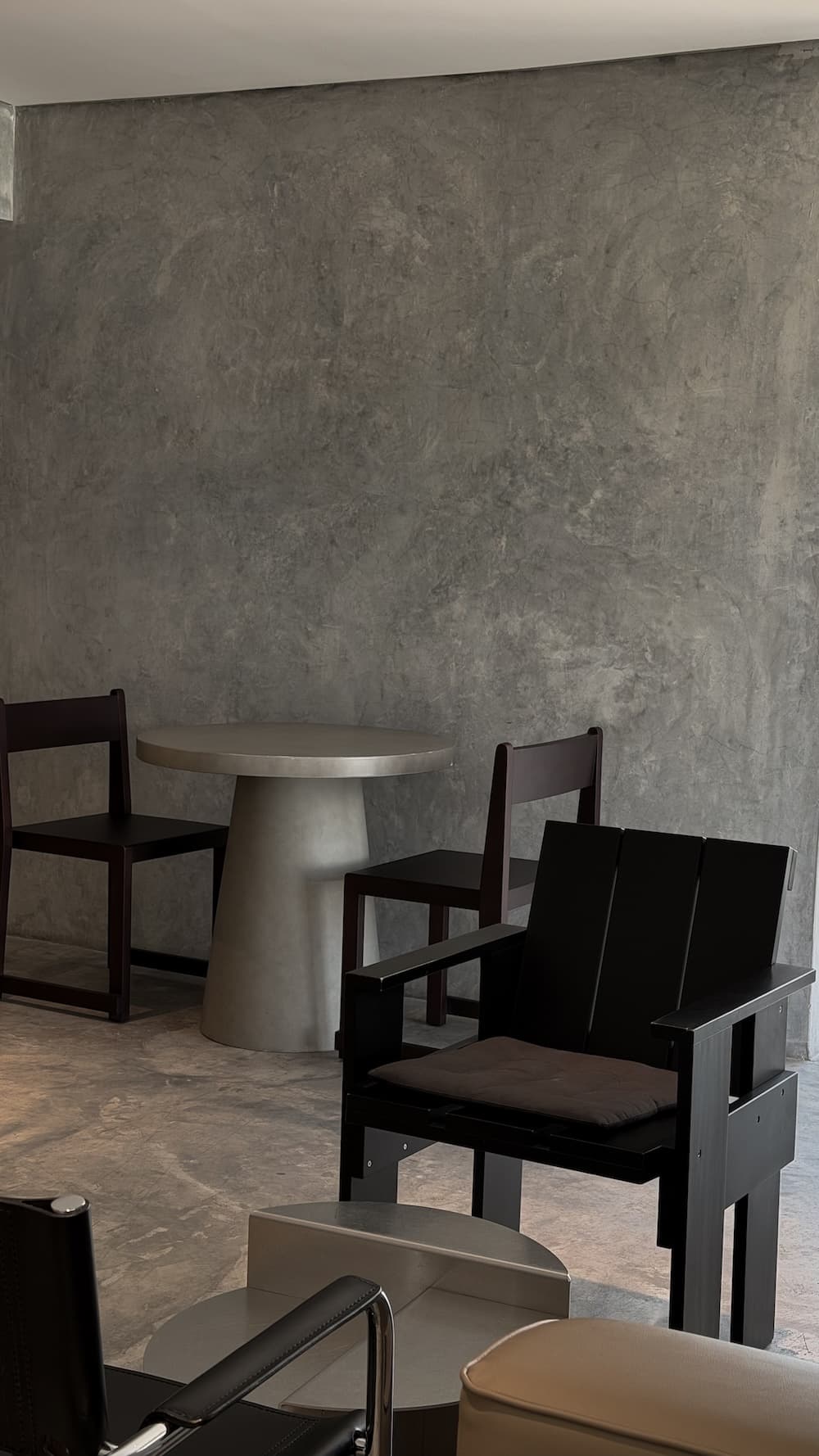
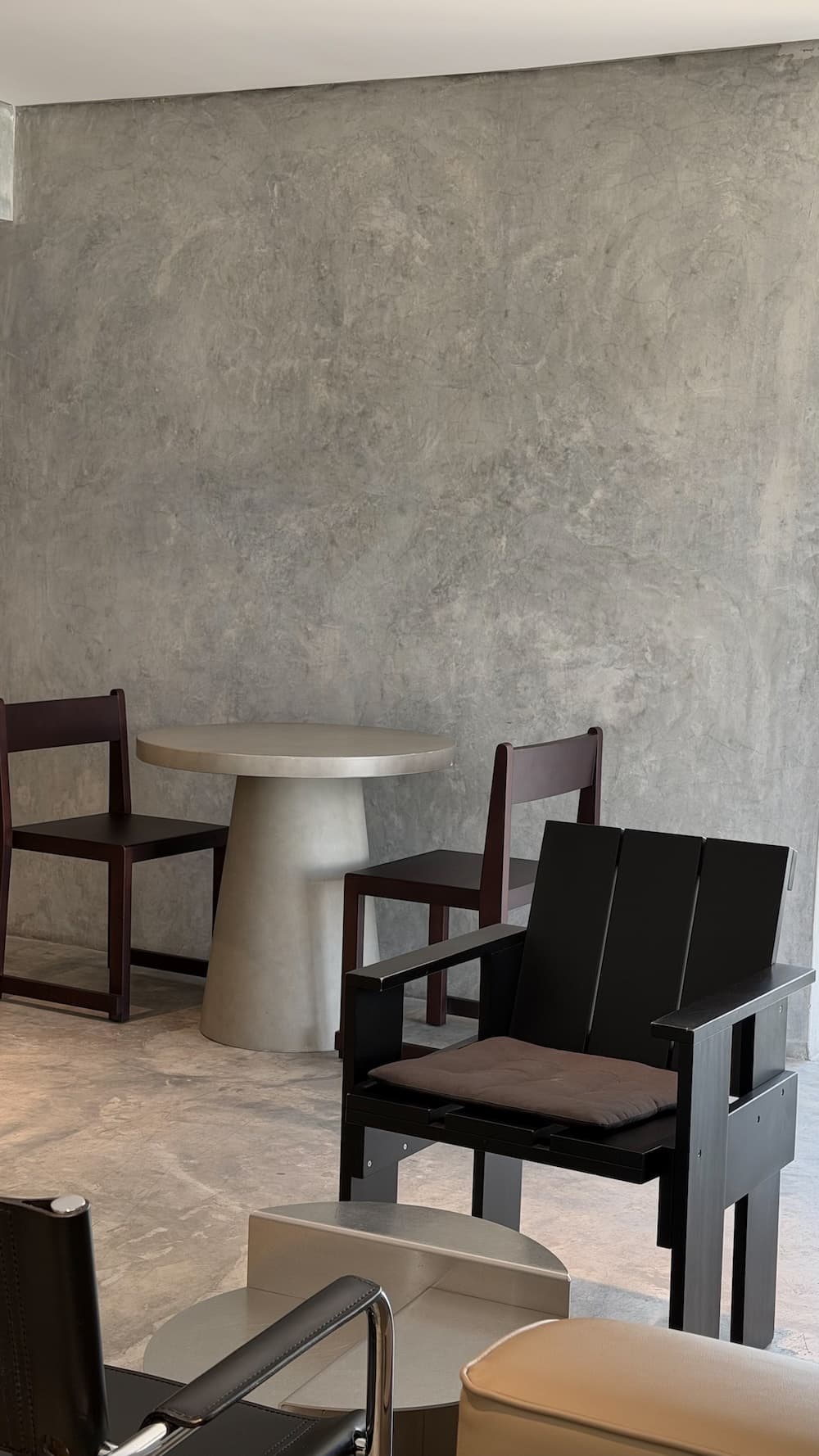
Same photo. 1 tap edit. Swipe for more.
One look for every day
Bright sun, cloudy streets, warm café light or a room at home — every photo gets the same calm, muted, slightly deeper tone, with softer highlights and natural skin. Pick a preset, tap once, and your whole feed looks like it belongs together.
Works in Lightroom Mobile — free on iOS & Android
Import, tap once to apply. Adjust exposure if needed — that's it
One preset, same aesthetic every shot
Plain, no surprises
Tap to import into Lightroom Mobile. Done.
Exposure guide, recommendations & welcome letter
Step-by-step with screenshots. Doesn't matter if you've never done this.
Your download link is sent here right after payment.
Why it works
Bright window light, cloudy streets, warm café lamps. The presets even out harsh highlights and pull everything into the same calm tone.
Faces stay like faces. No orange skin, no neon greens — just softer contrast and quieter, slightly deeper colors.
Import once into Lightroom Mobile, then apply in a single tap. If a photo is too dark or too bright — move exposure, that's it.
How it works
Enter your email and pay with card, PayPal or Apple Pay.
The download opens right after payment and the link is sent to your email.
Follow the guide to add the presets to Lightroom Mobile, then apply to any photo in one tap.
Quick answers before you buy
They are built for the photos most people take every day: coffee, outfits, the street, a café, a desk, a room at home. The look is calm and universal, so it works on almost any photo and in any light.
Yes. The presets are made for Lightroom Mobile and work on photos from any phone camera — no RAW files or professional camera needed.
10 Lightroom presets in .xmp format, plus a guide with exposure tips and a step-by-step installation guide.
Lightroom Mobile — free on iOS & Android, no subscription needed. Follow the included installation guide and you're editing in minutes.
None at all. Every preset works in one tap with no manual adjustments. An exposure guide is included to help you get the perfect result every time.
Unlimited. Once purchased, they're yours forever — use them on as many photos as you want, no expiry.
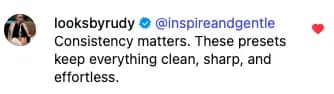
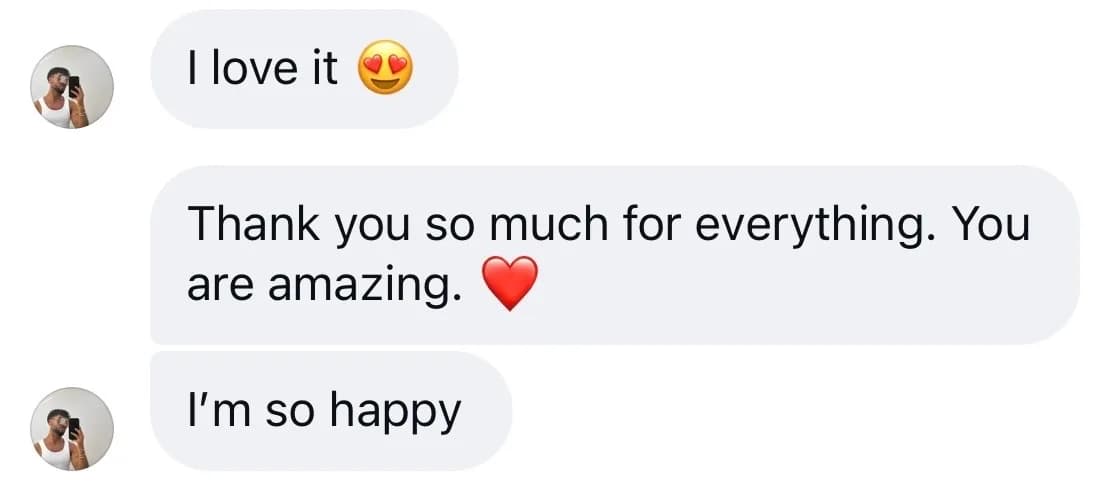
Trusted by 250+ creators worldwide


Ready when you are
10 presets, guides included, instant download. Pay once and use them on every photo you take.
Buy nowQuiet luxury color for every shoot
Brown Premium + Dark Mood · Presets and LUTs · everything in one purchase · 34 Presets · 46 LUTs
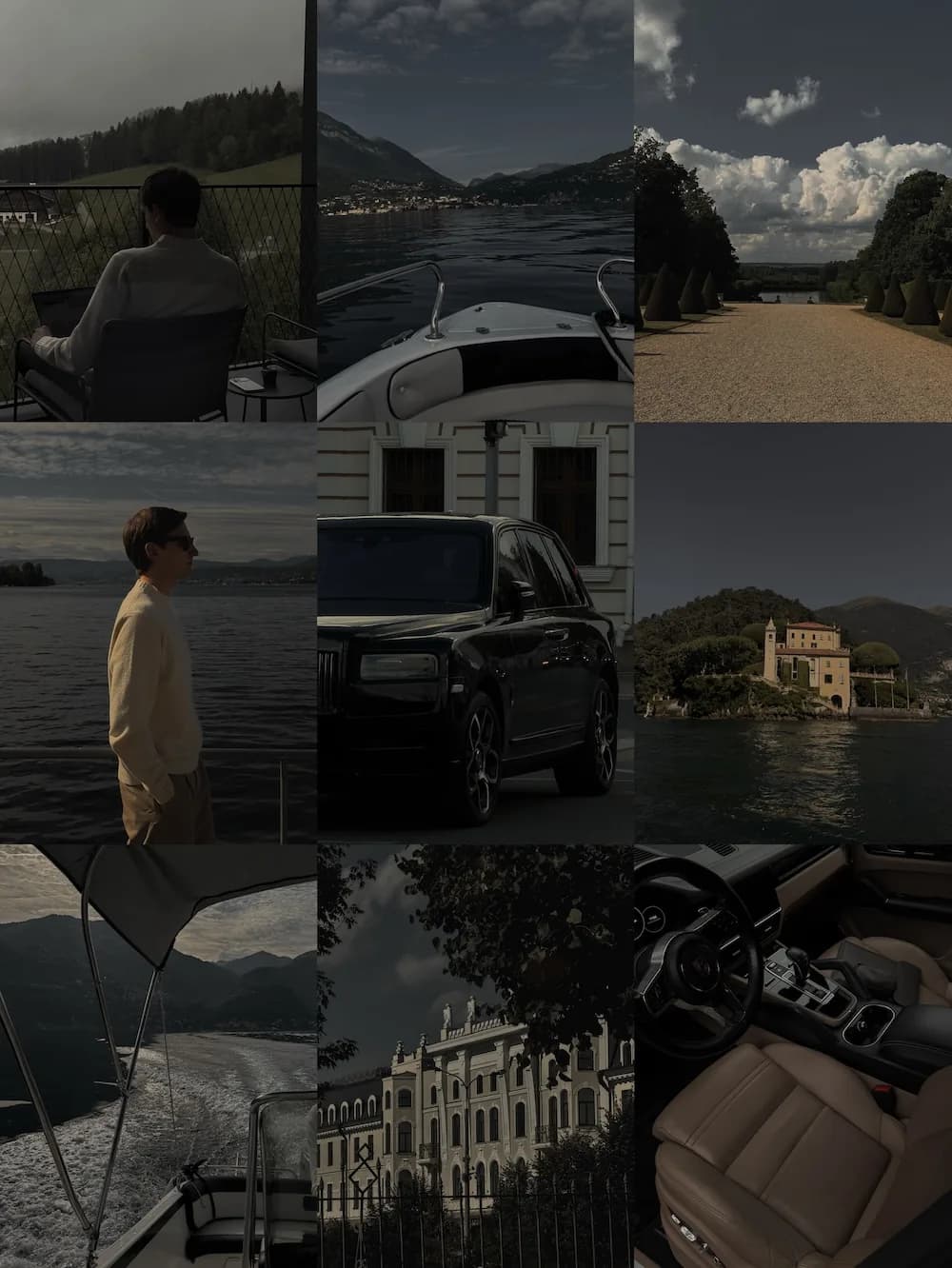
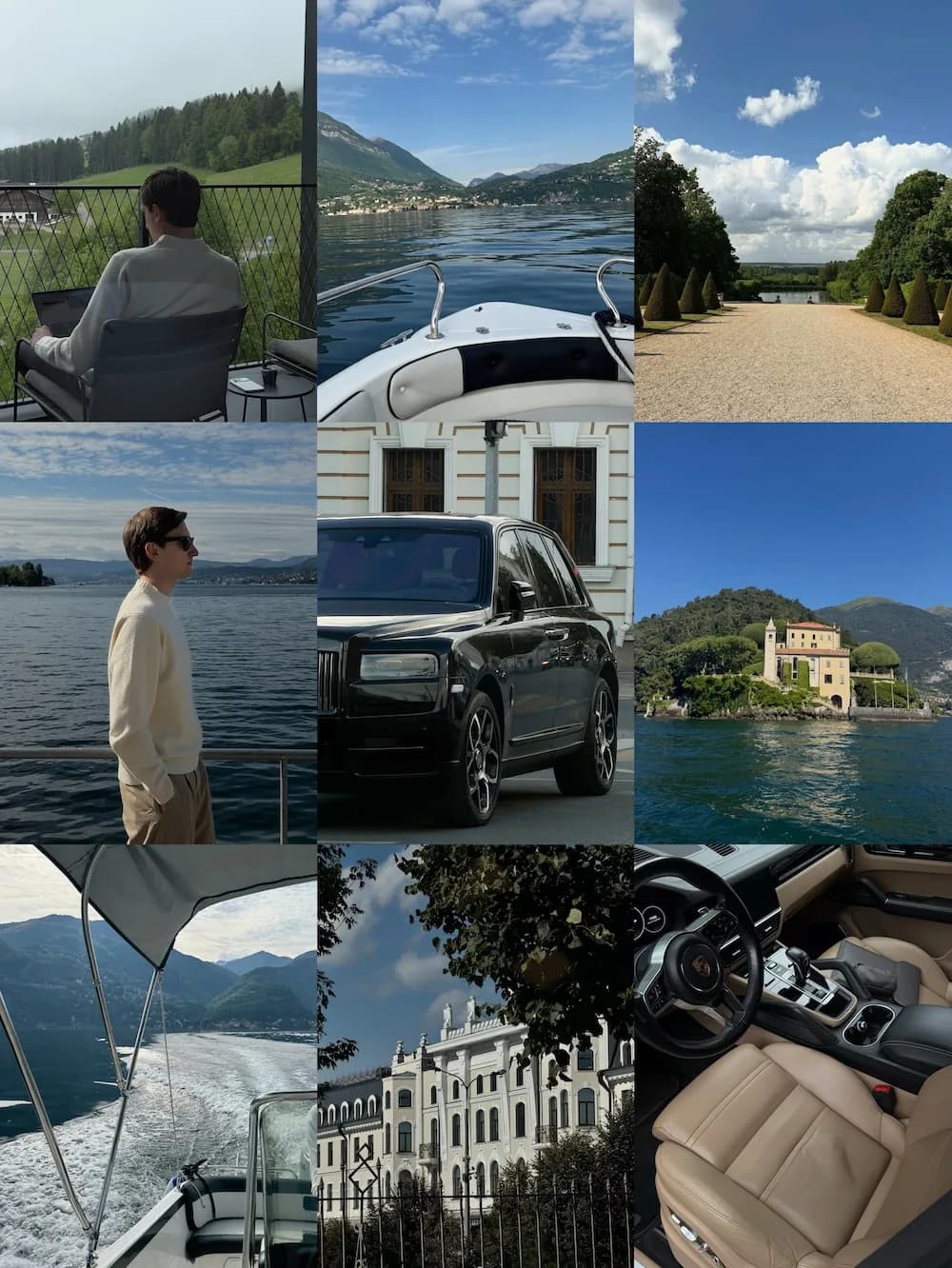
Quiet Luxury + Summer · Presets and LUTs · everything in one purchase · 44 Presets · 47 LUTs
Get the warm, editorial look you keep saving on Instagram — in one tap.
Warm, earthy, low-saturation. Skin glows.
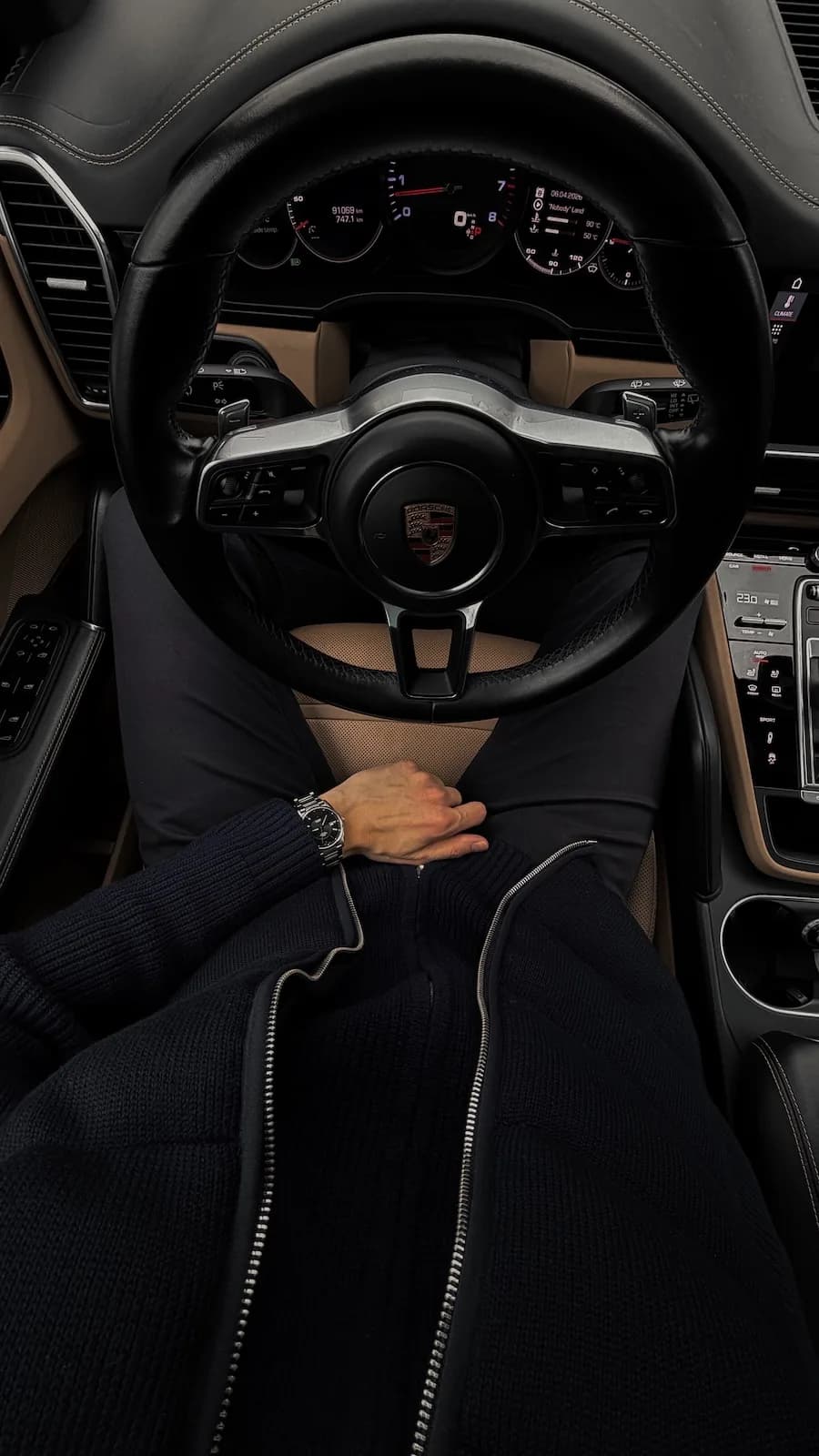
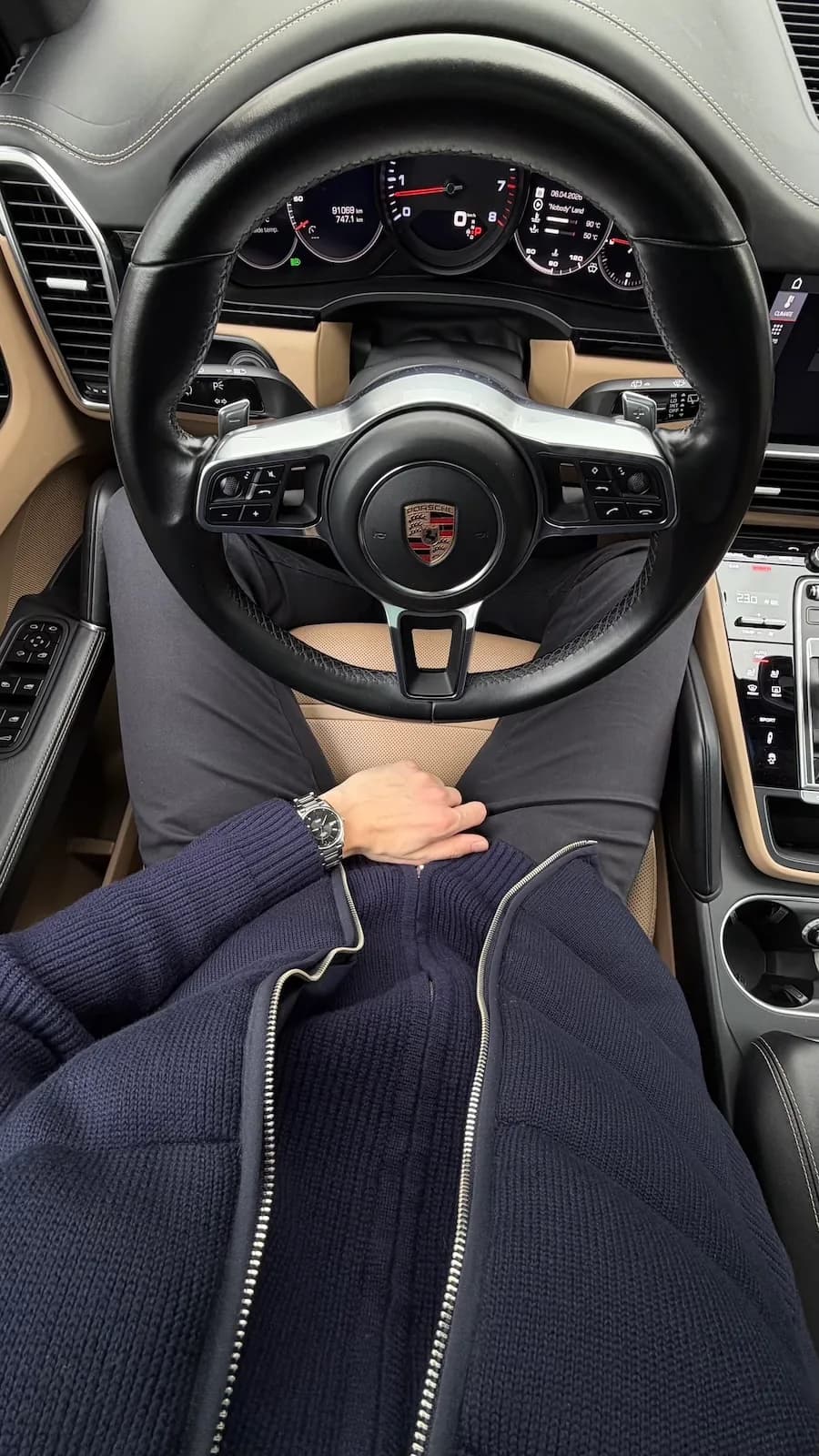
Dark, cinematic, low-contrast. Moody skin tones.
Balanced dark, clean grays.
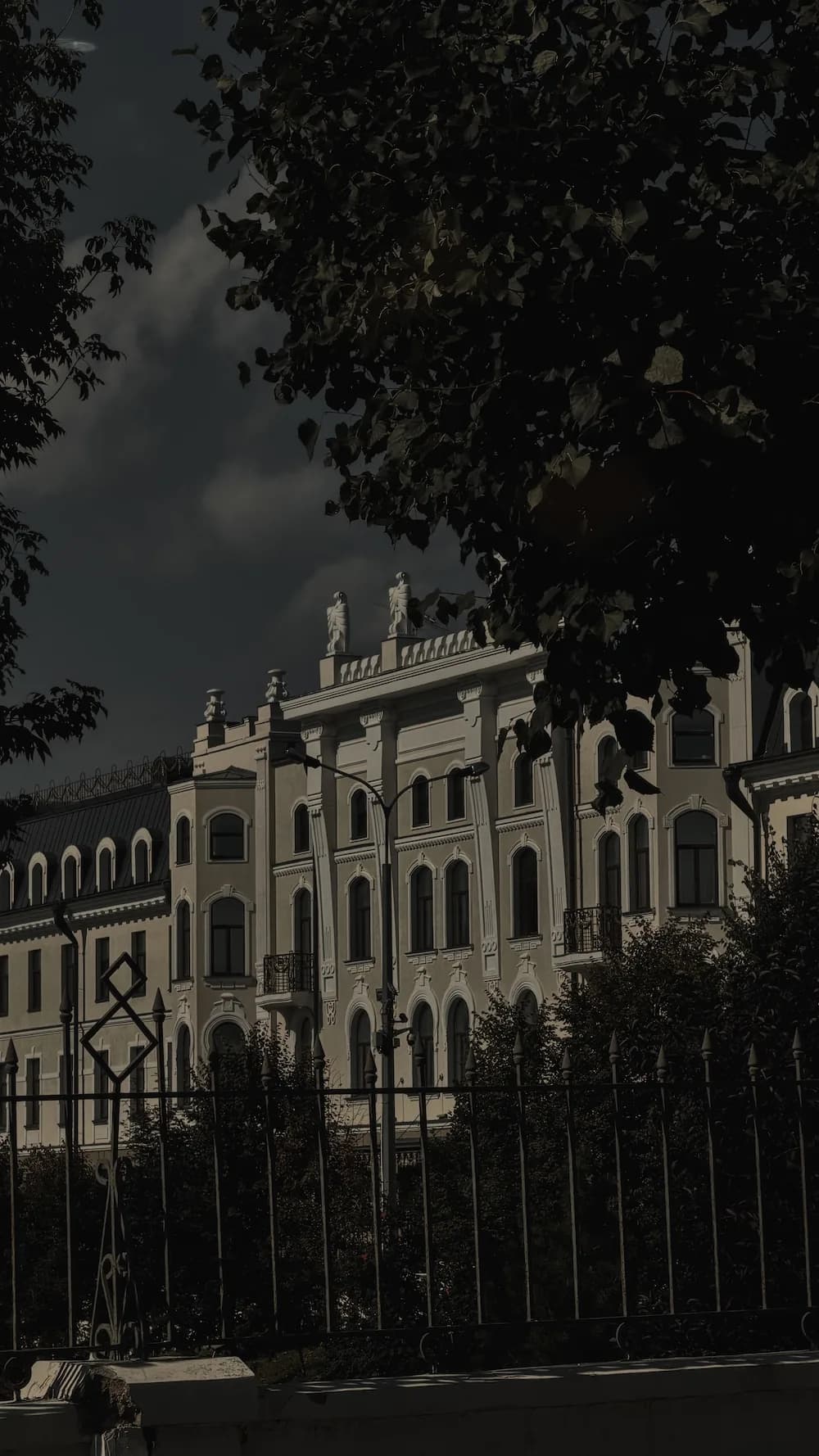

For restrained greys, soft contrast and deep shadows — the quiet, expensive look in one tap.
Muted greys, soft contrast and deep, expensive-looking shadows.
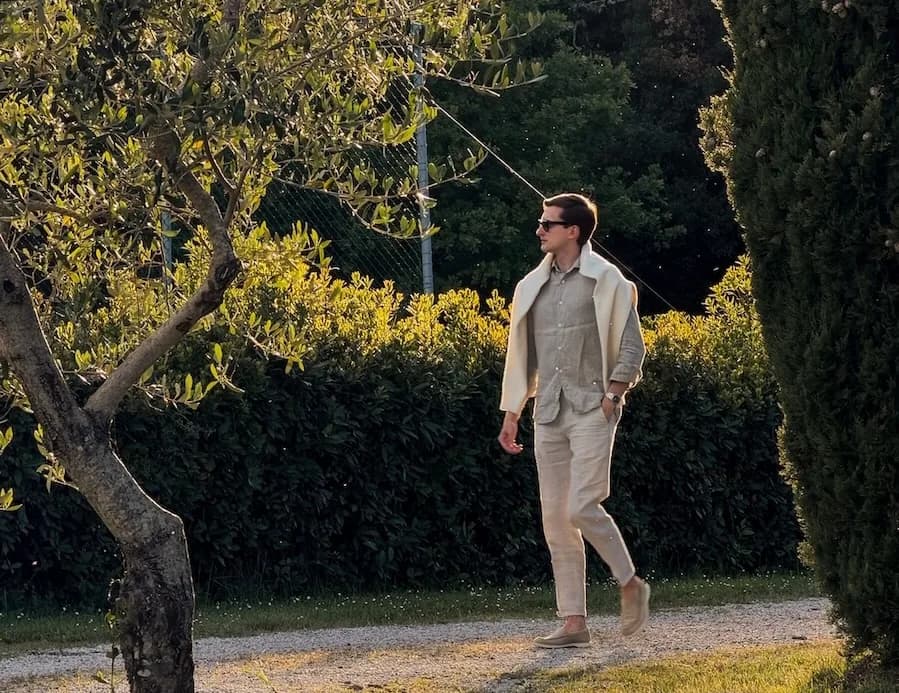
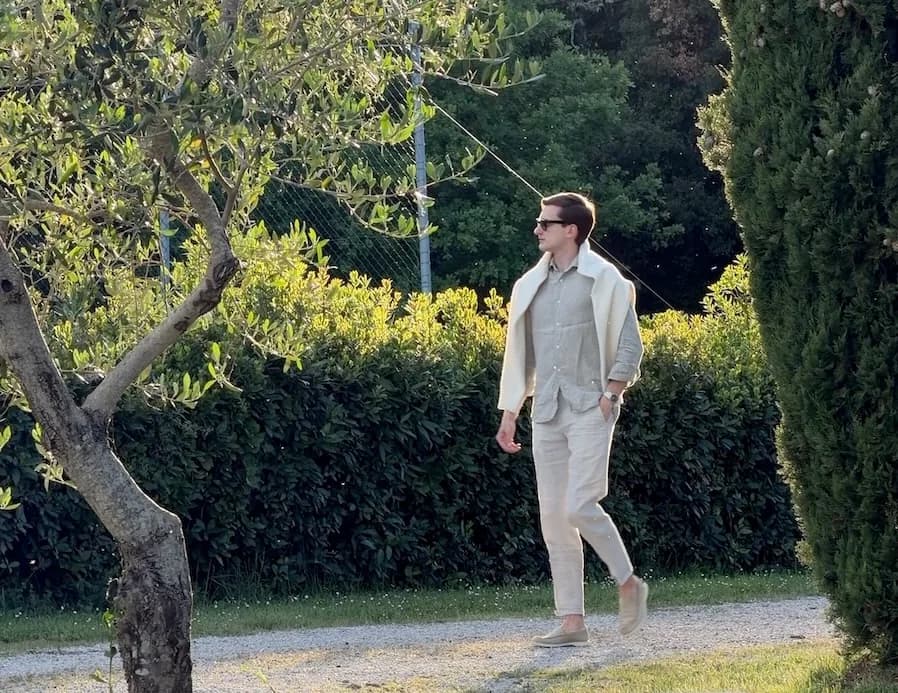
Perfect for summer: warm, golden & bleached light with rich shadows.
Warm stone, bleached light & golden afternoons.