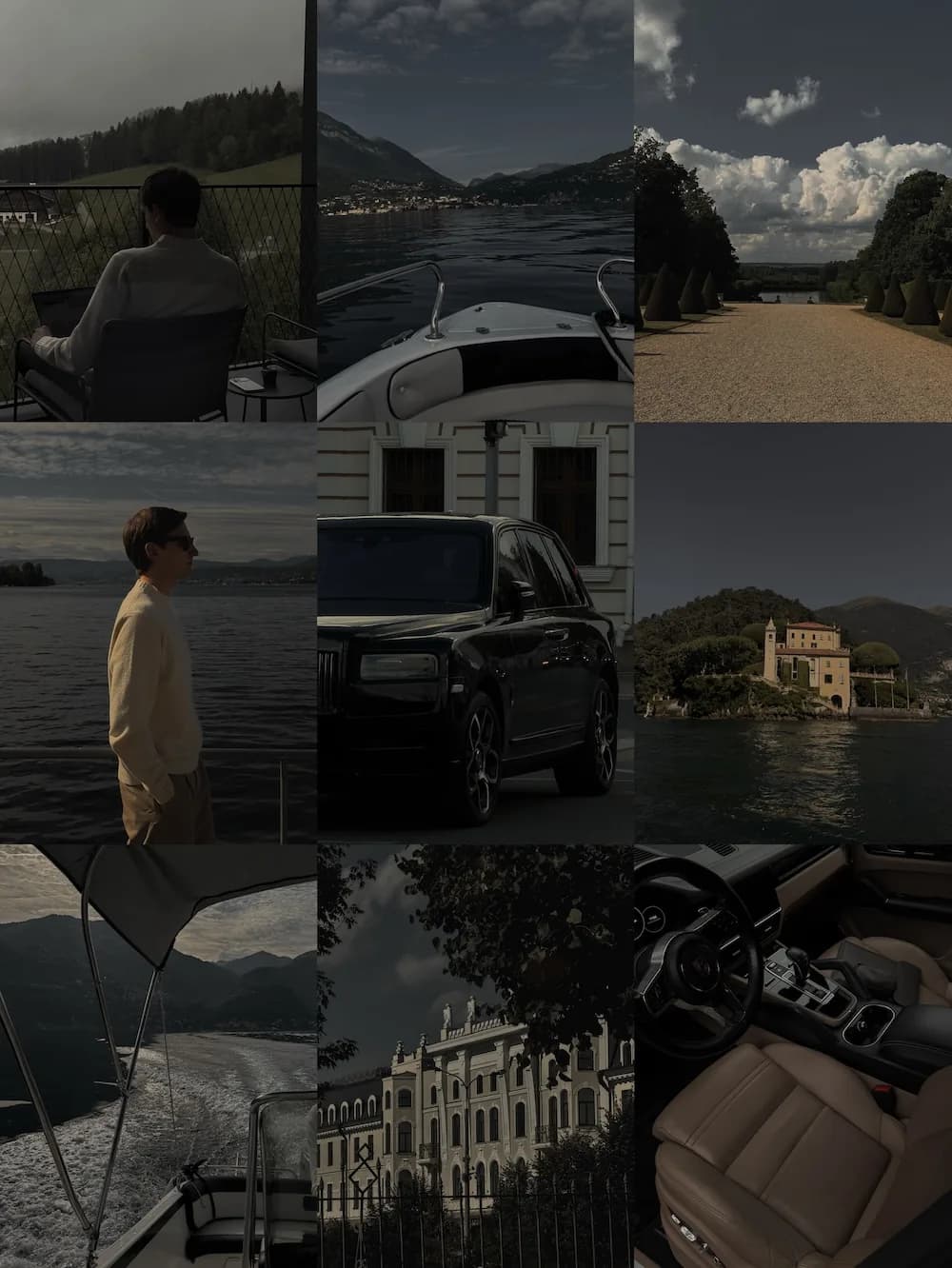
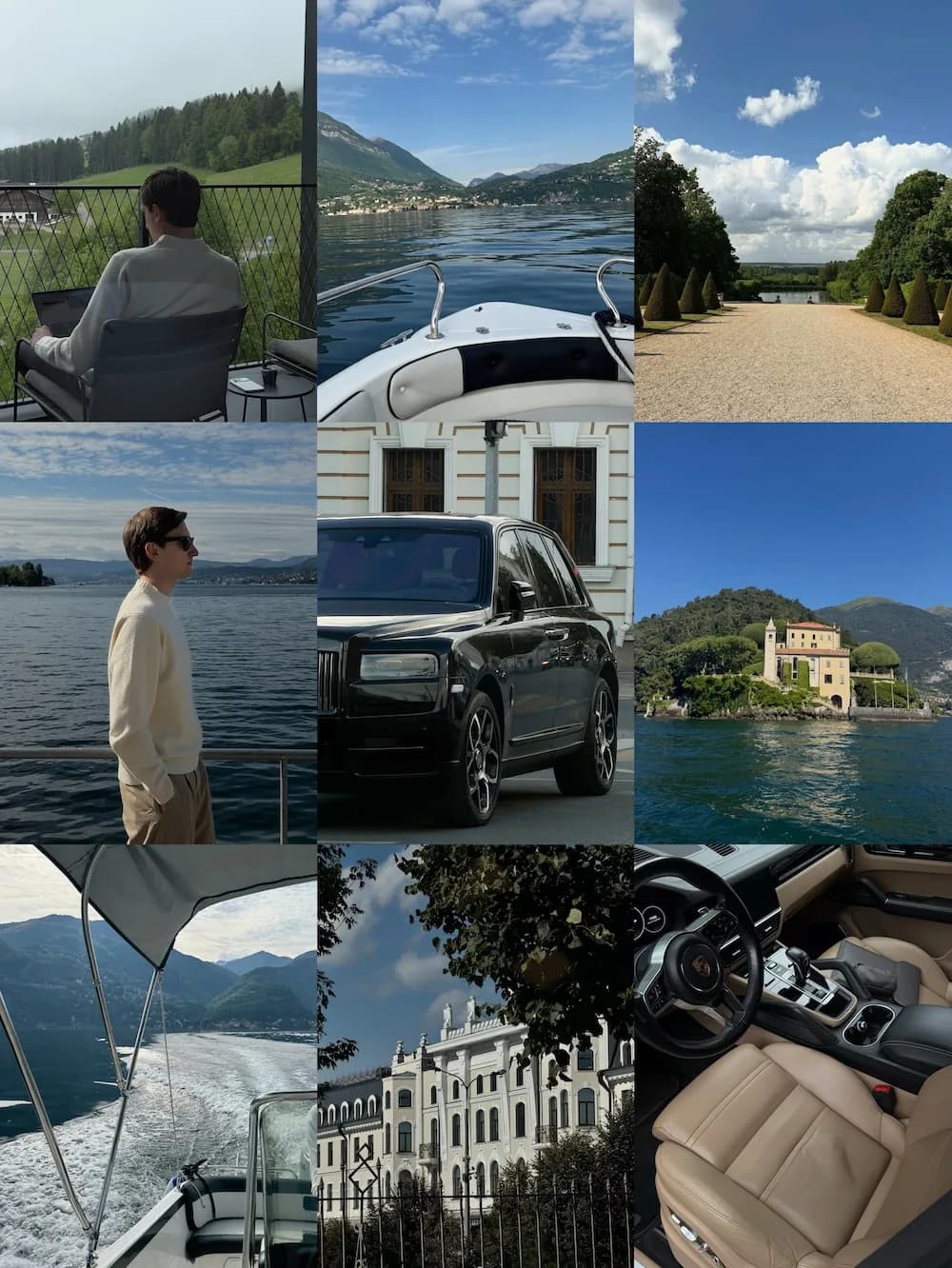
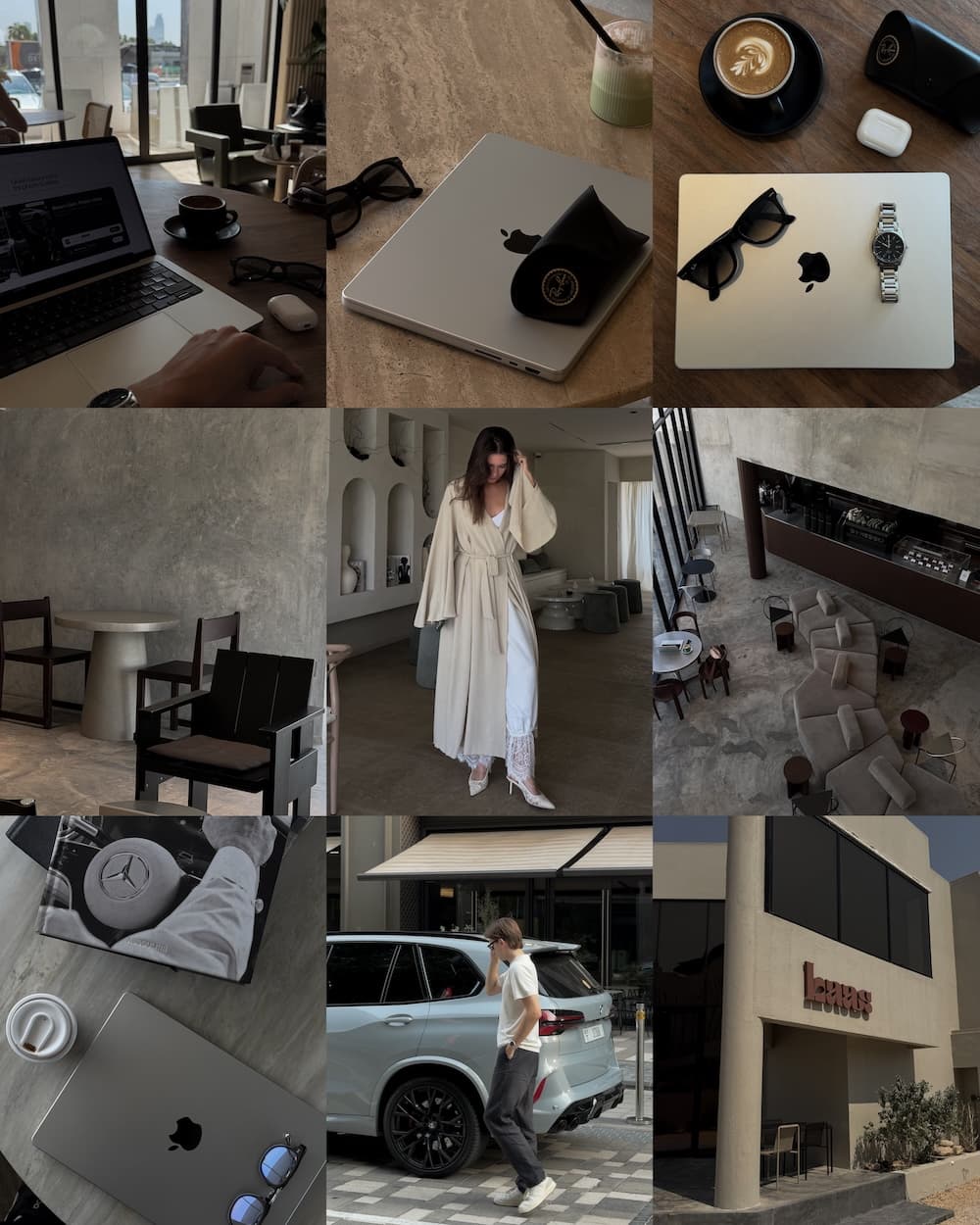
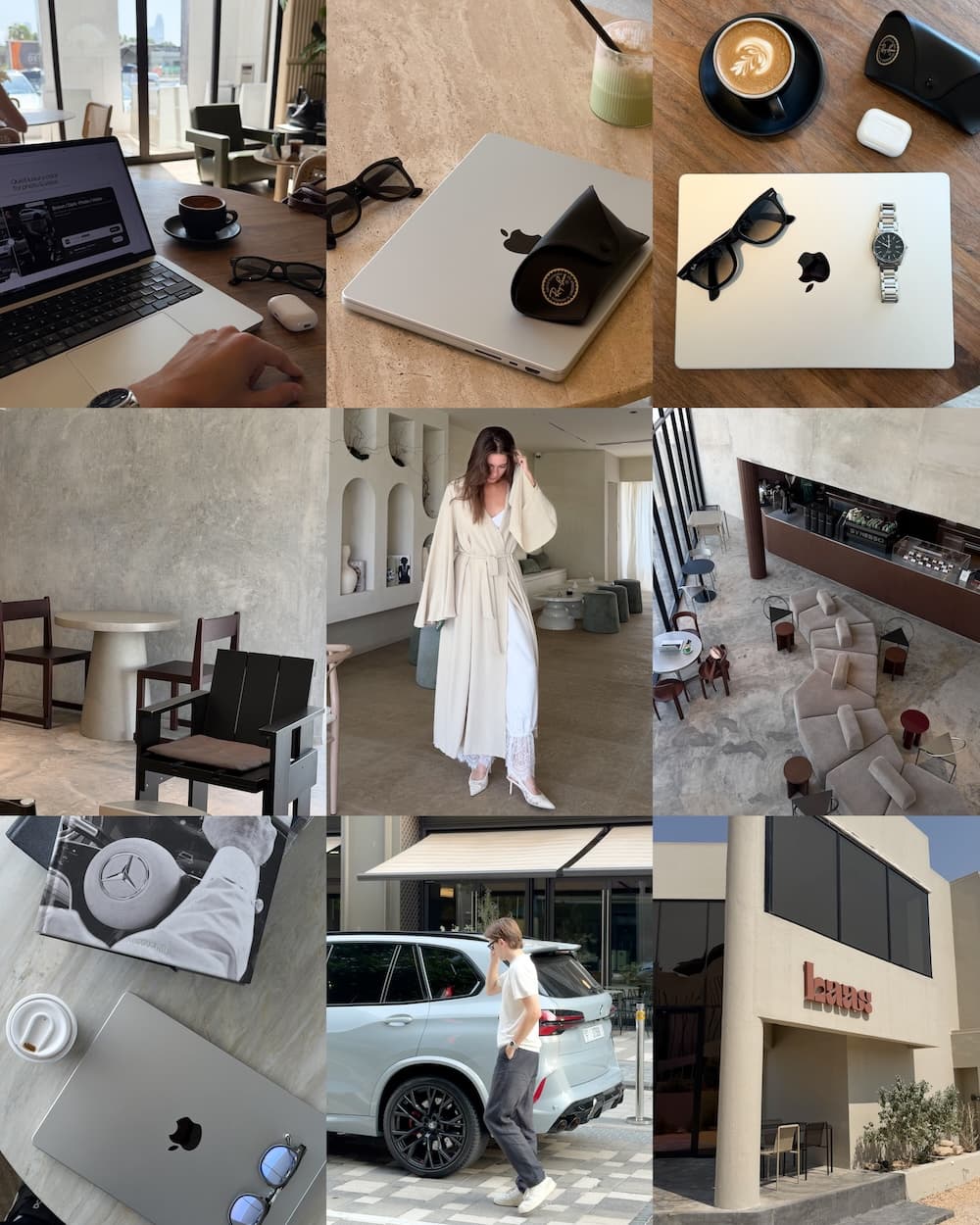
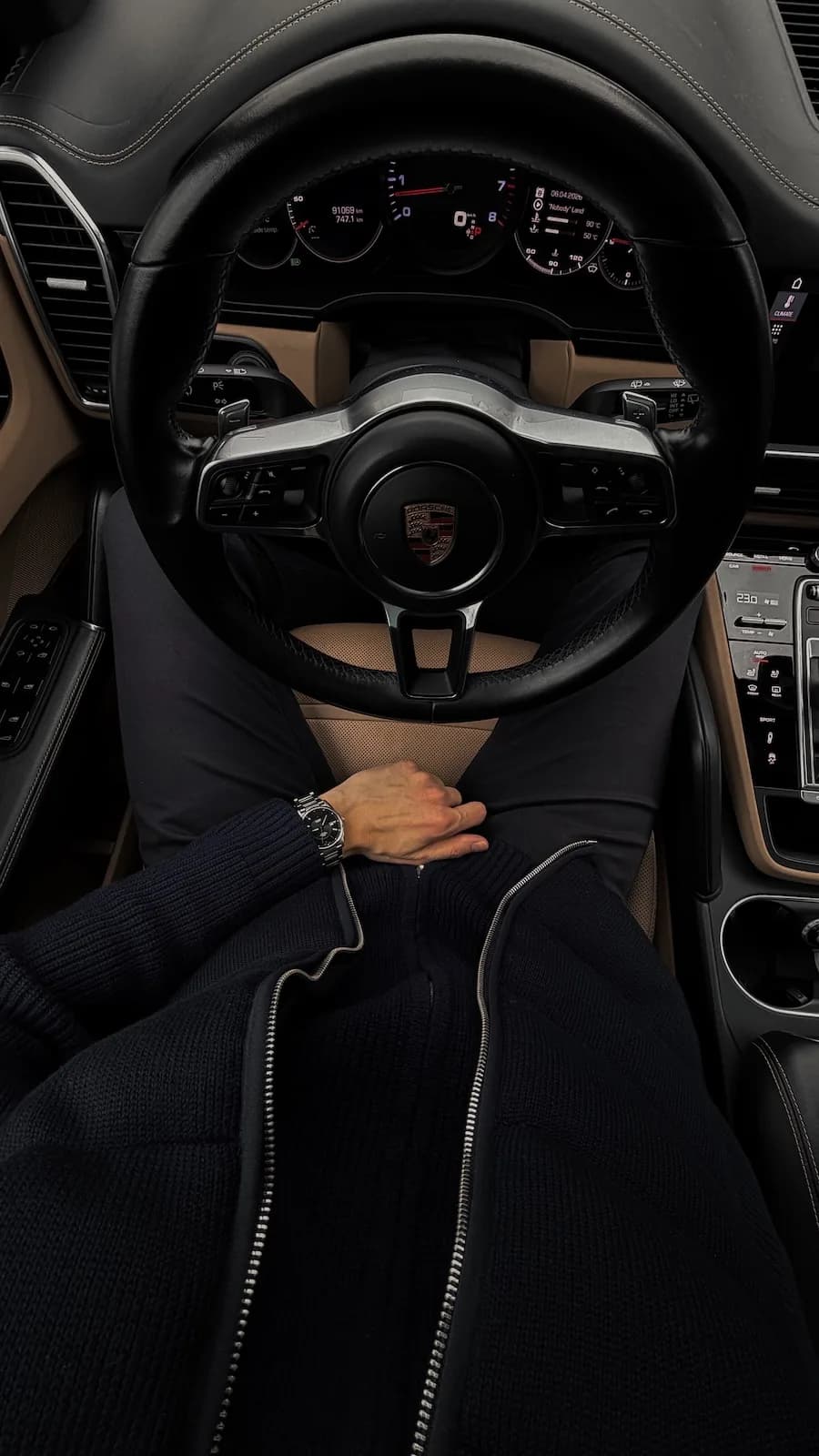
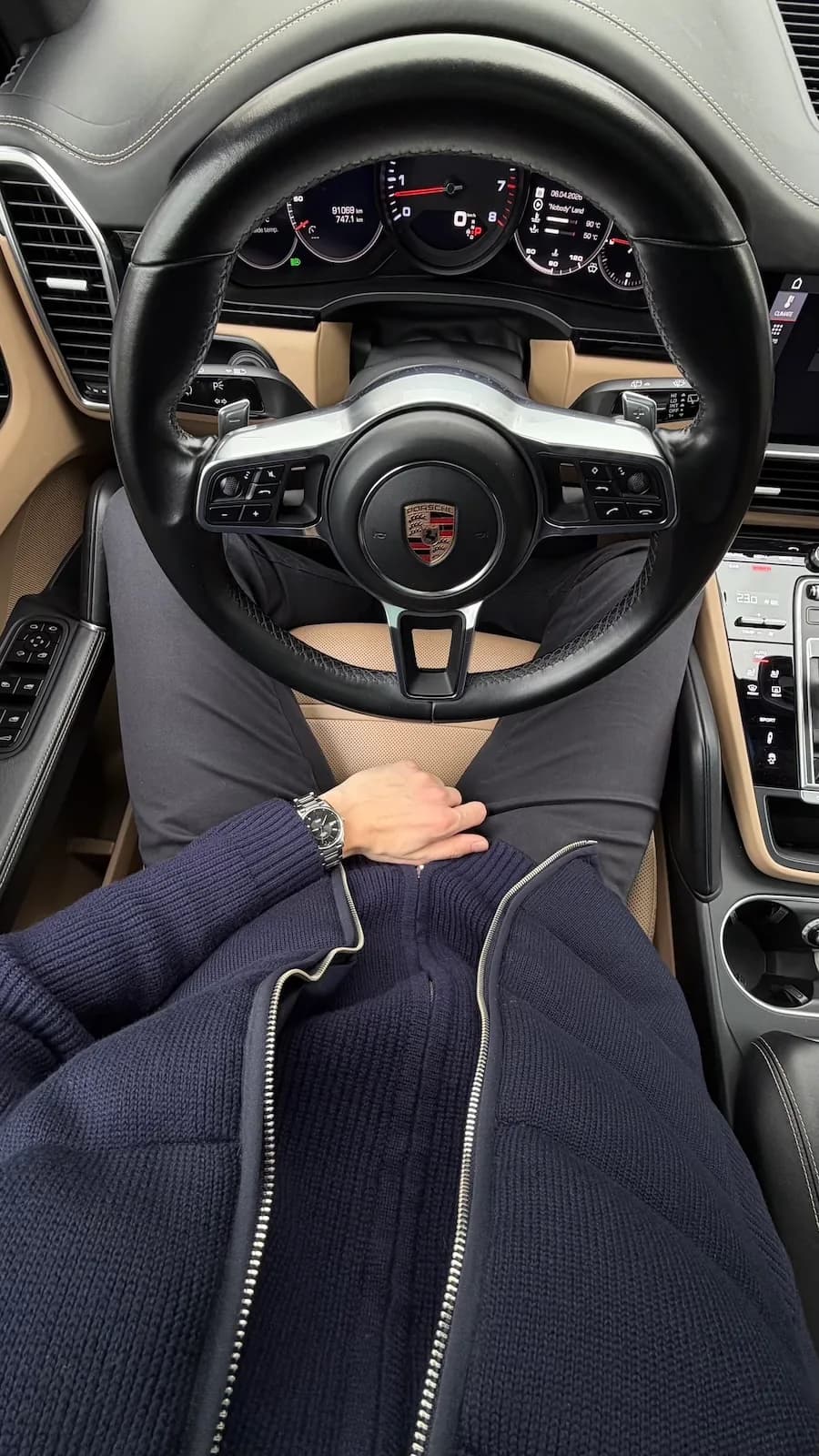
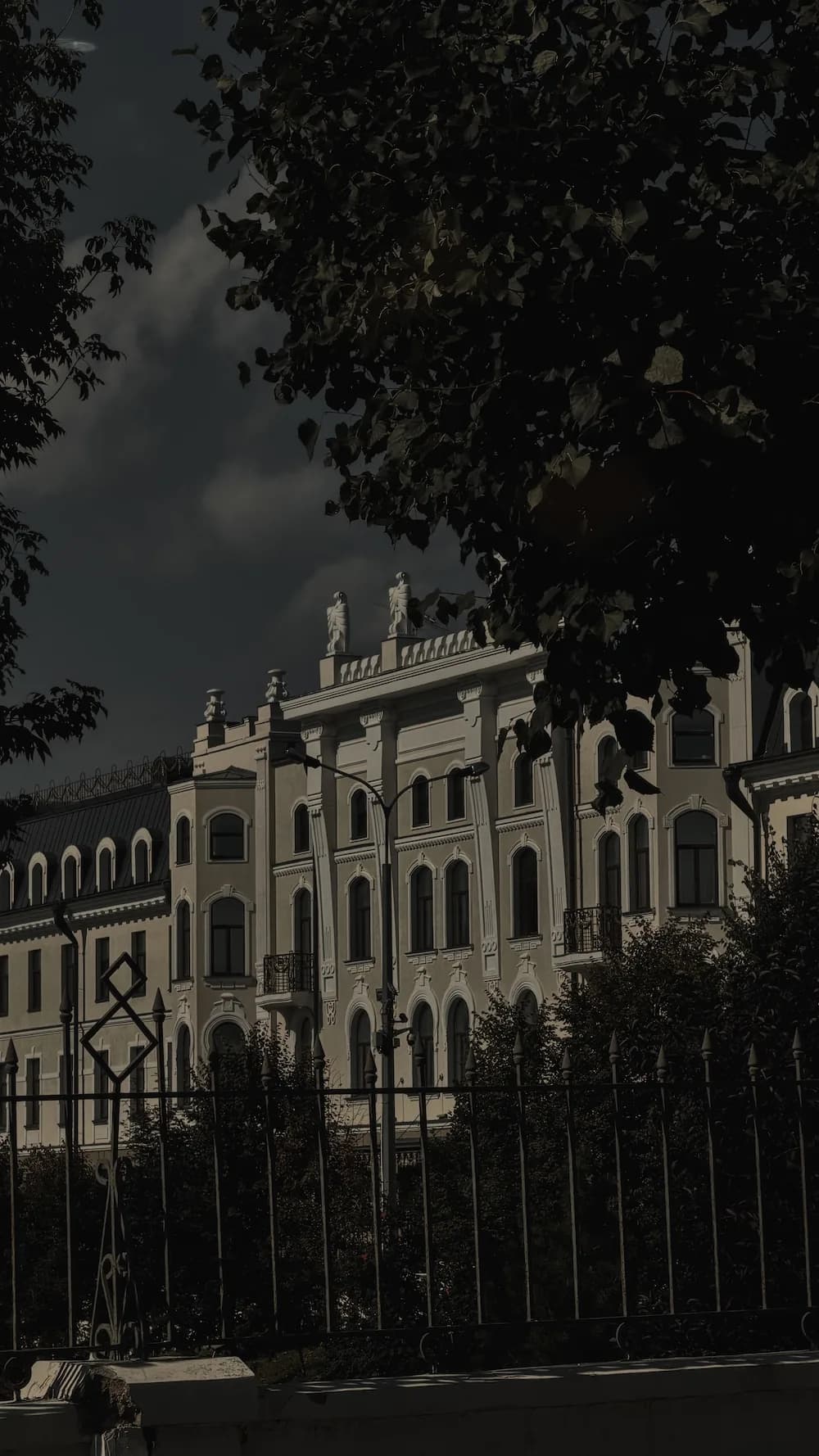
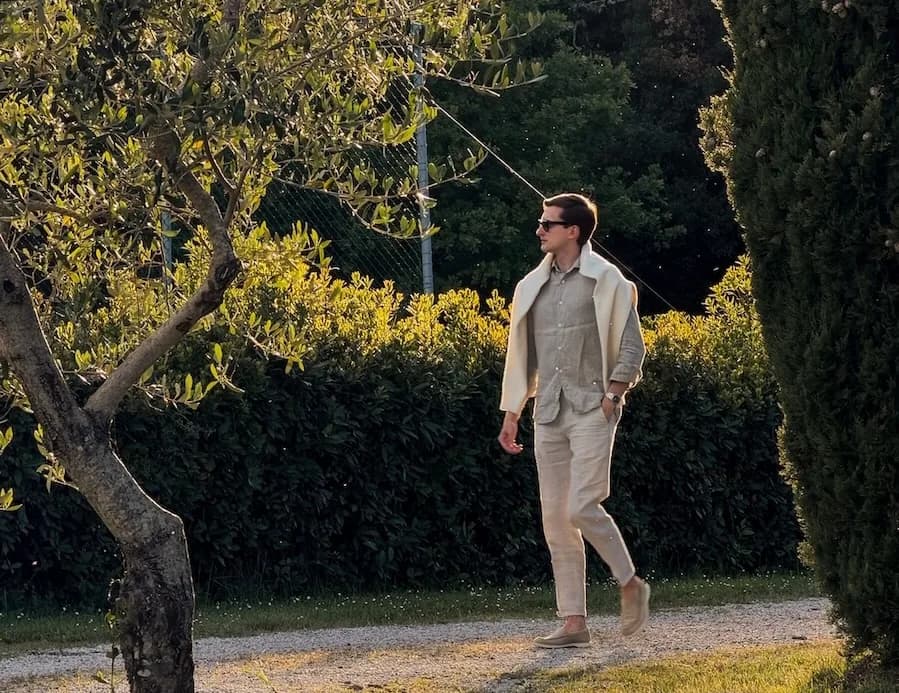
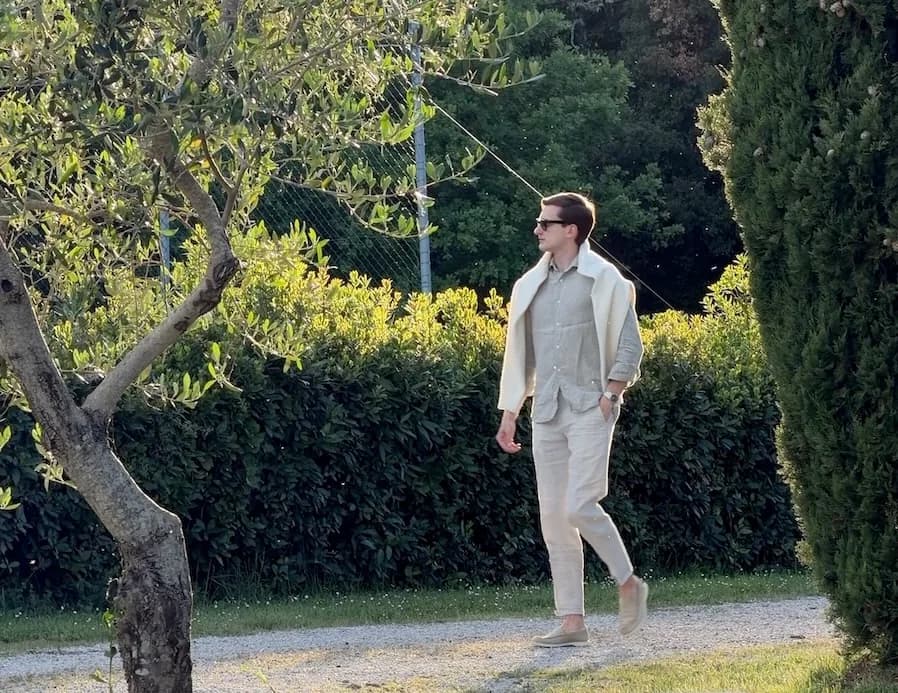
Brown LUTs Pack
The tones I use in every photo you've saved.
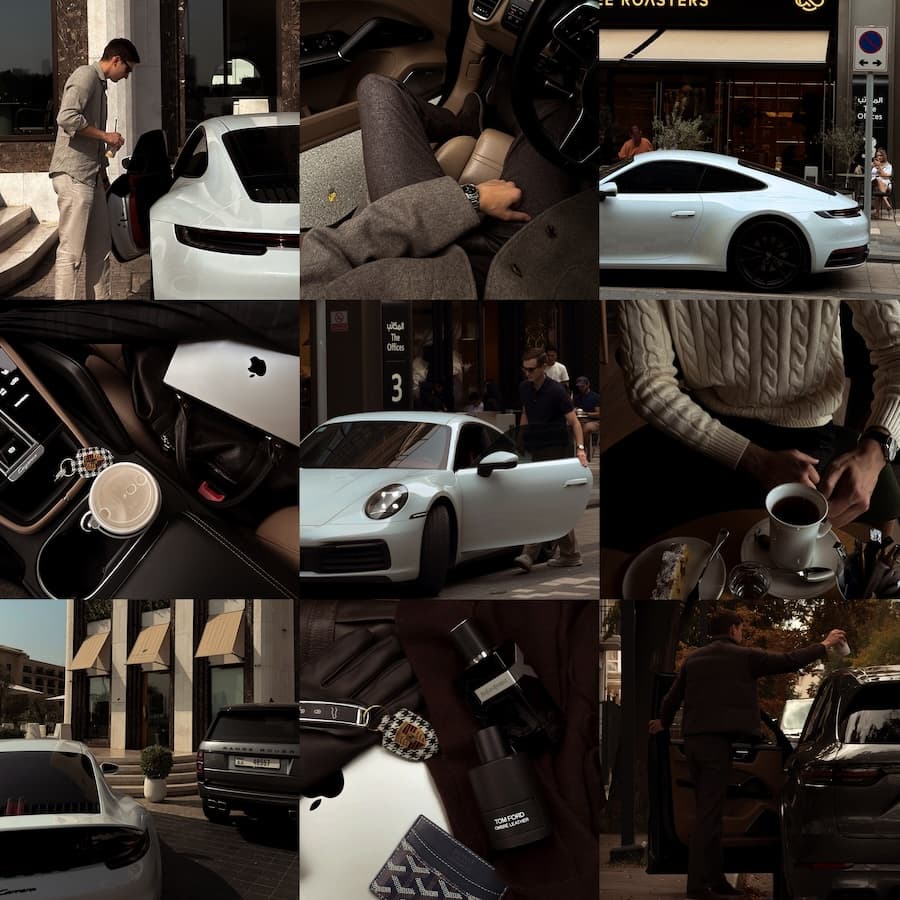
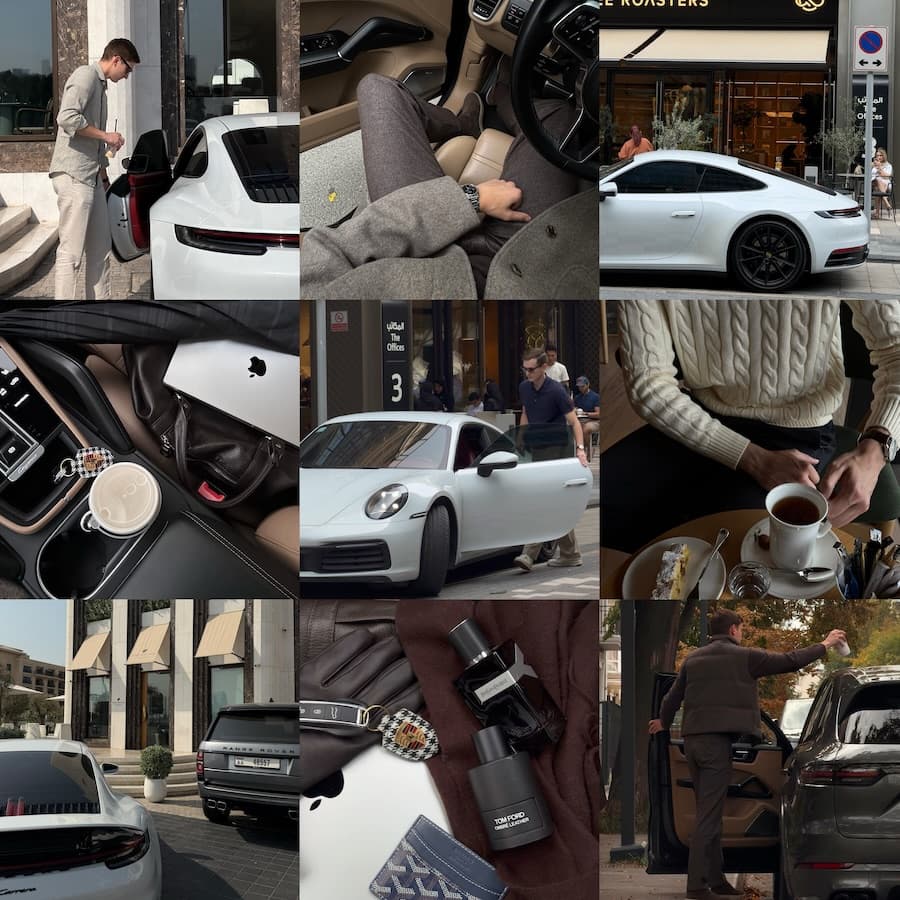
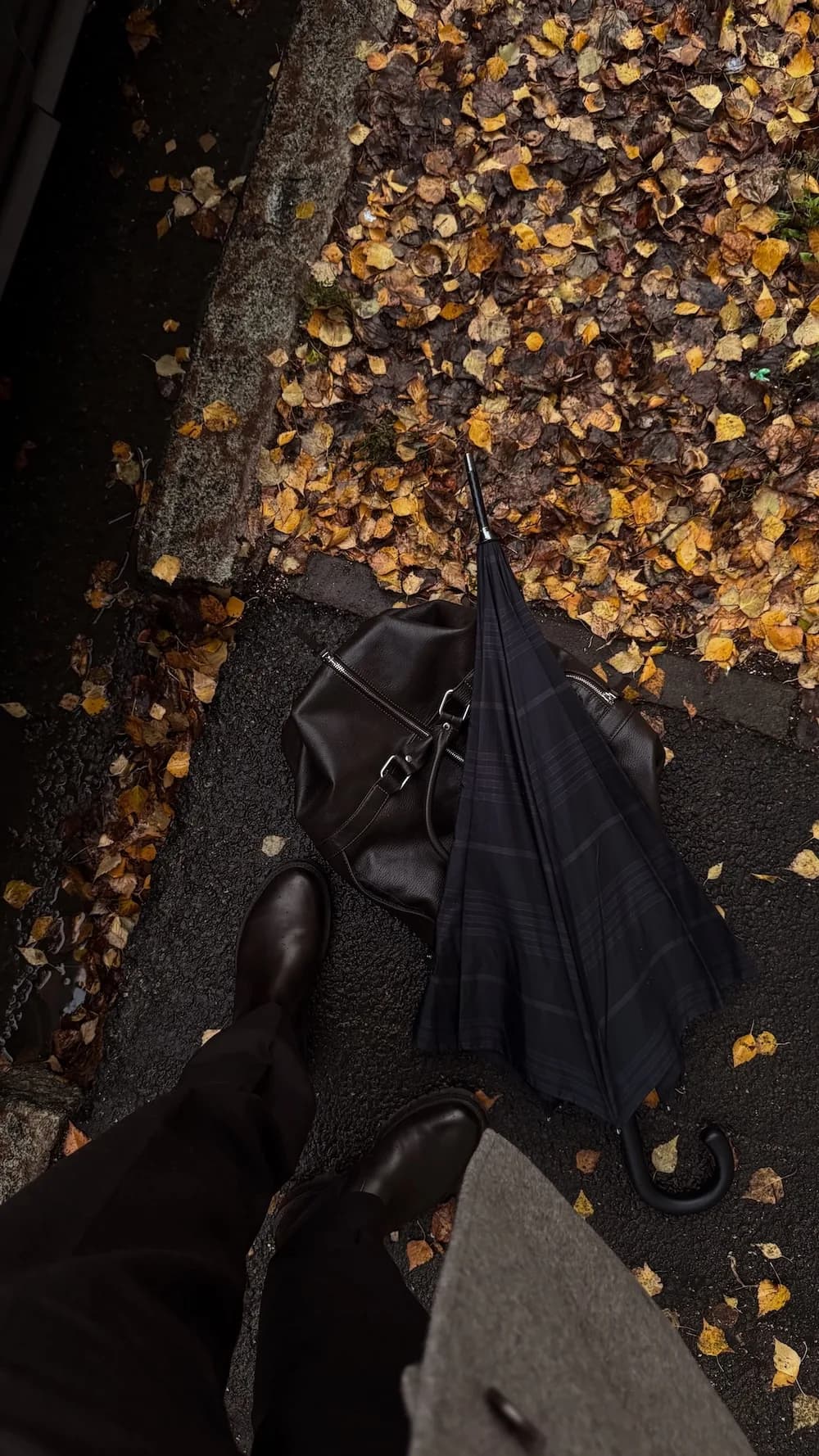
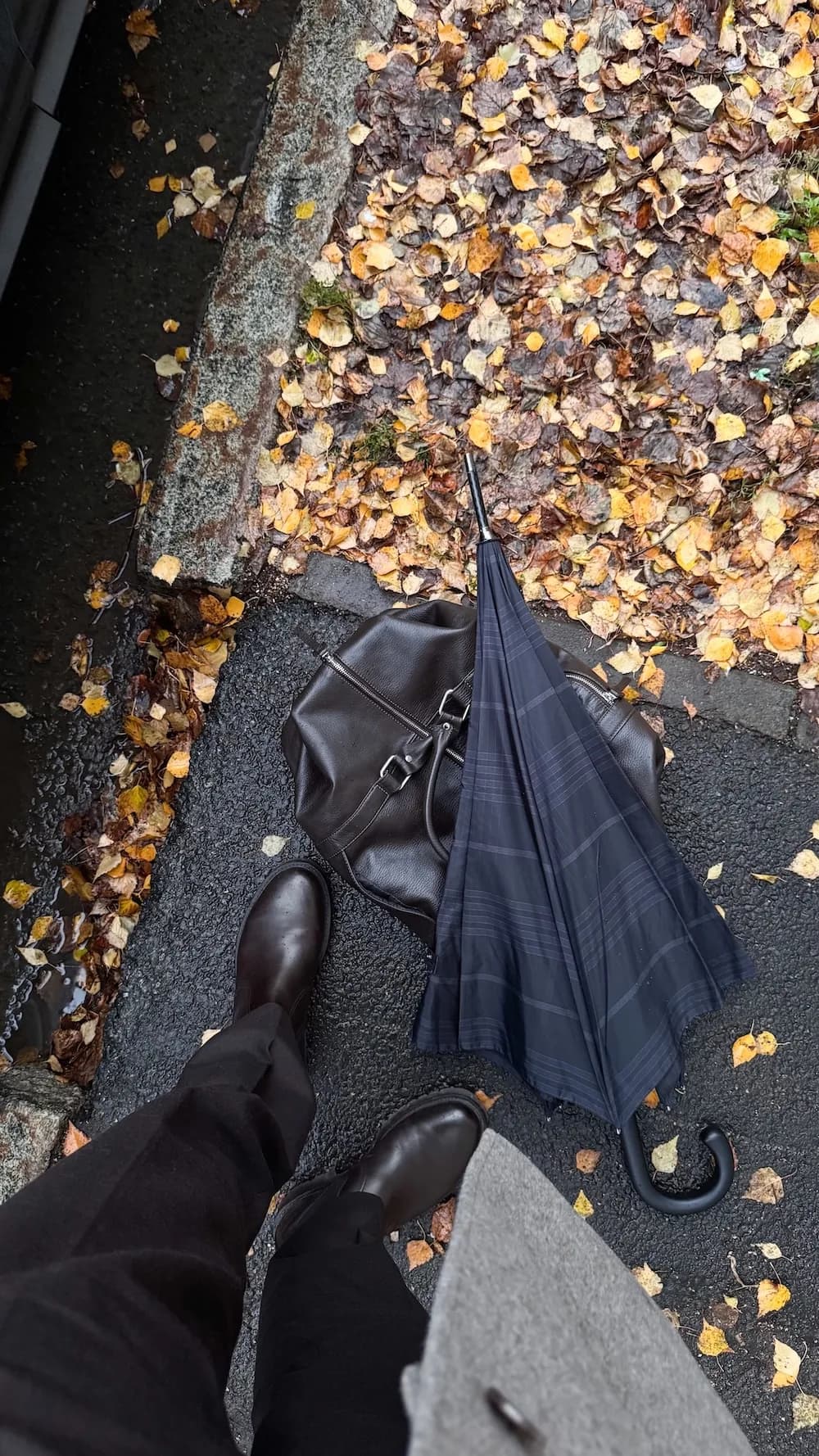
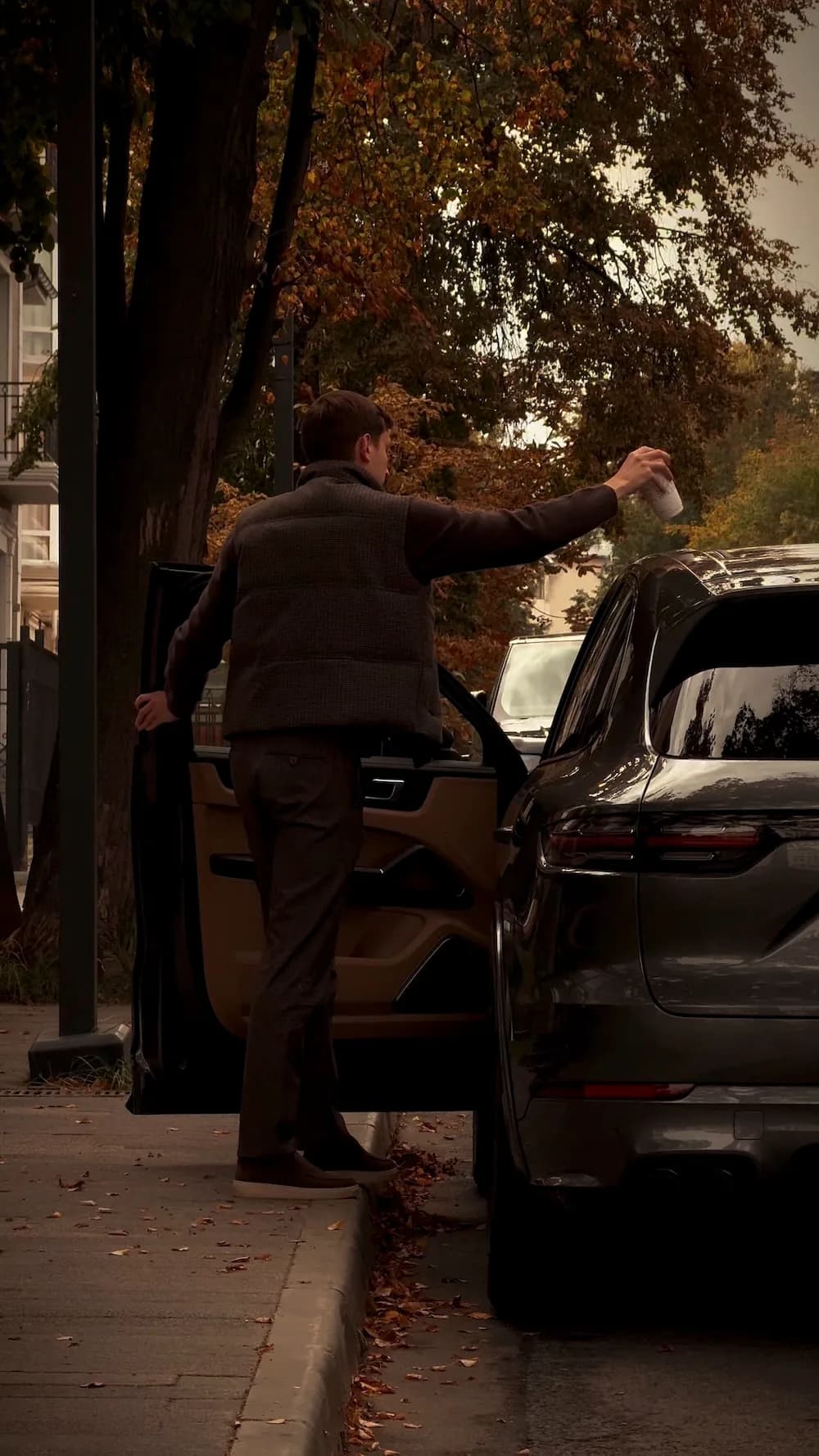
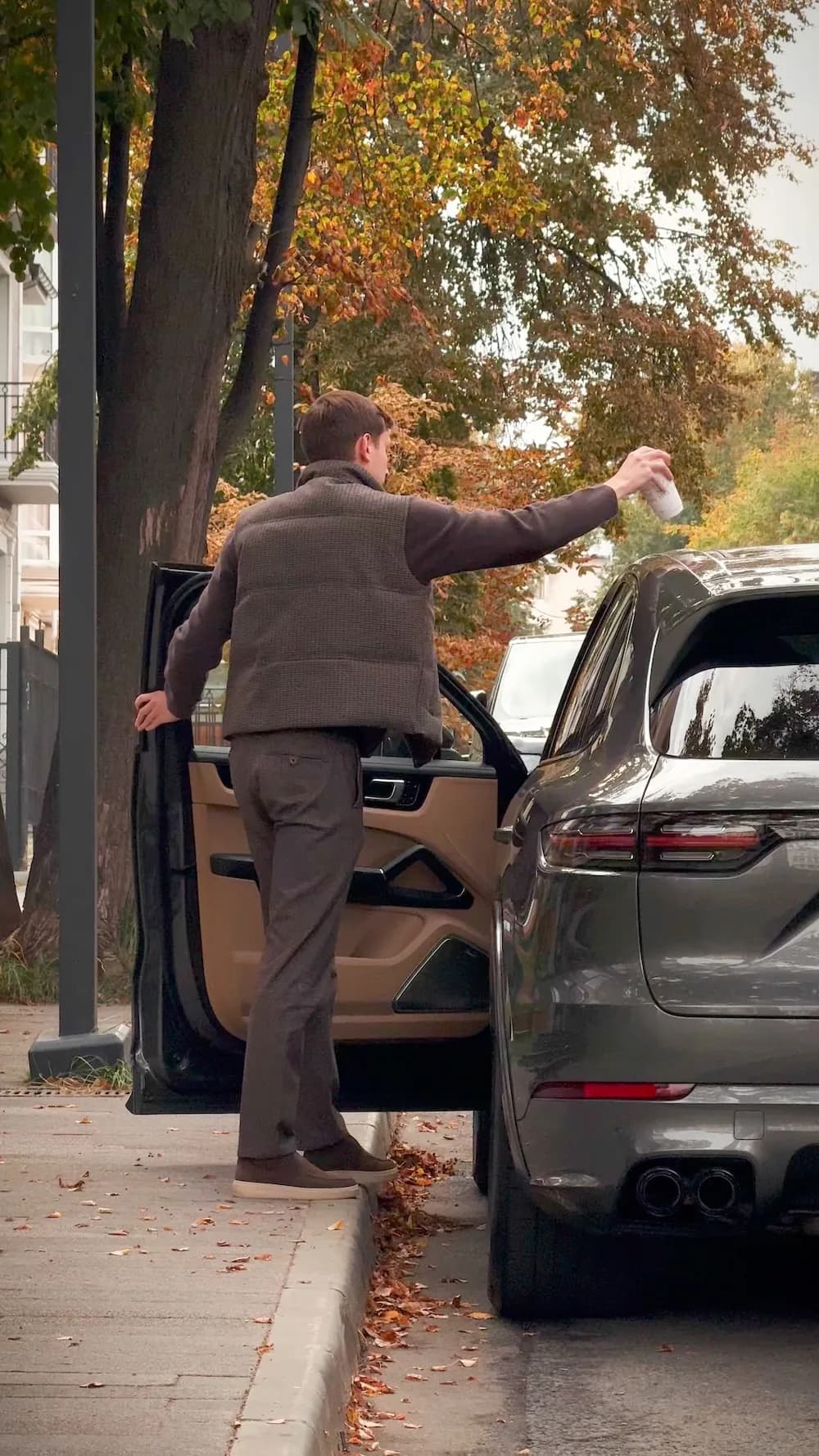
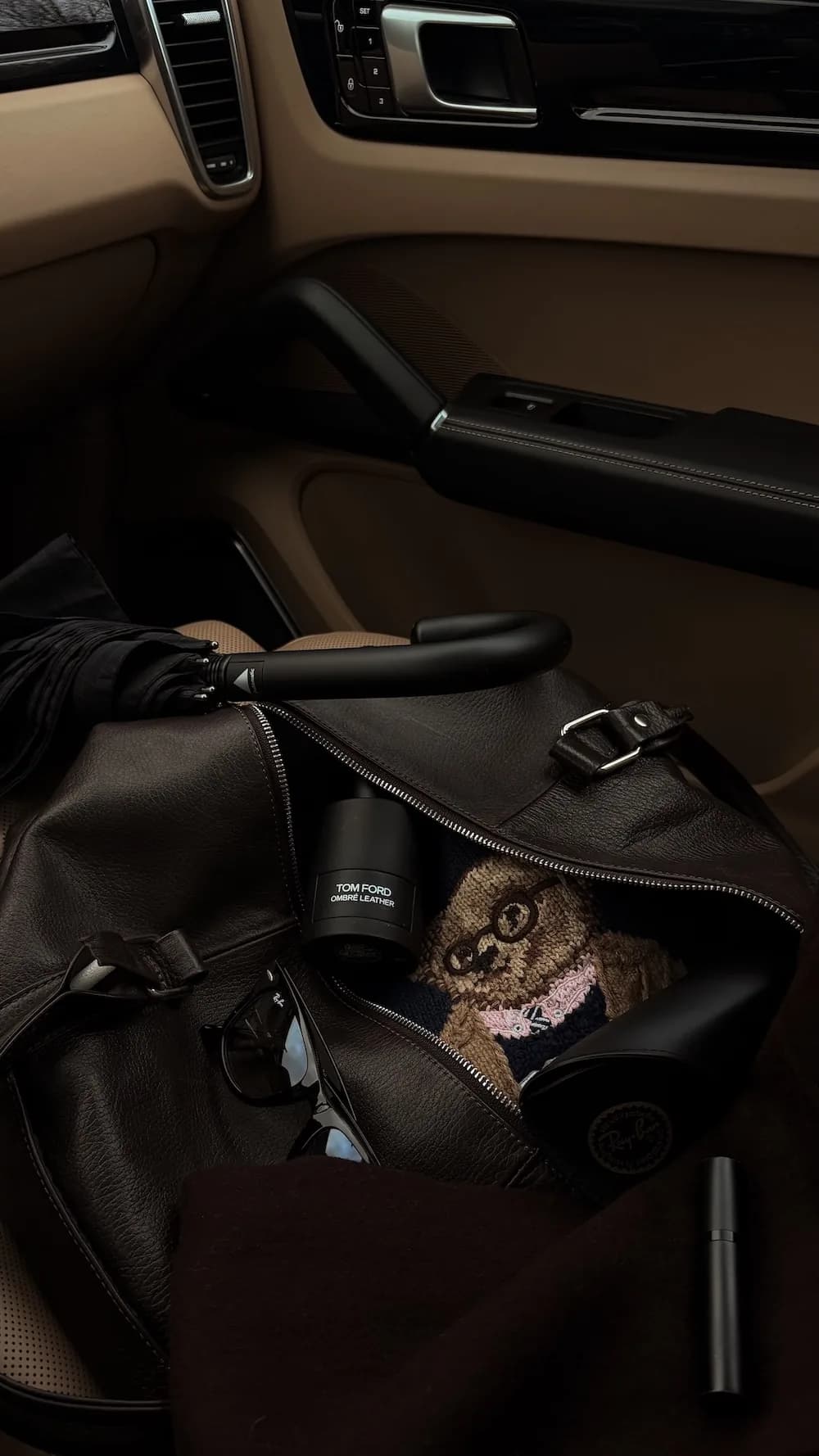
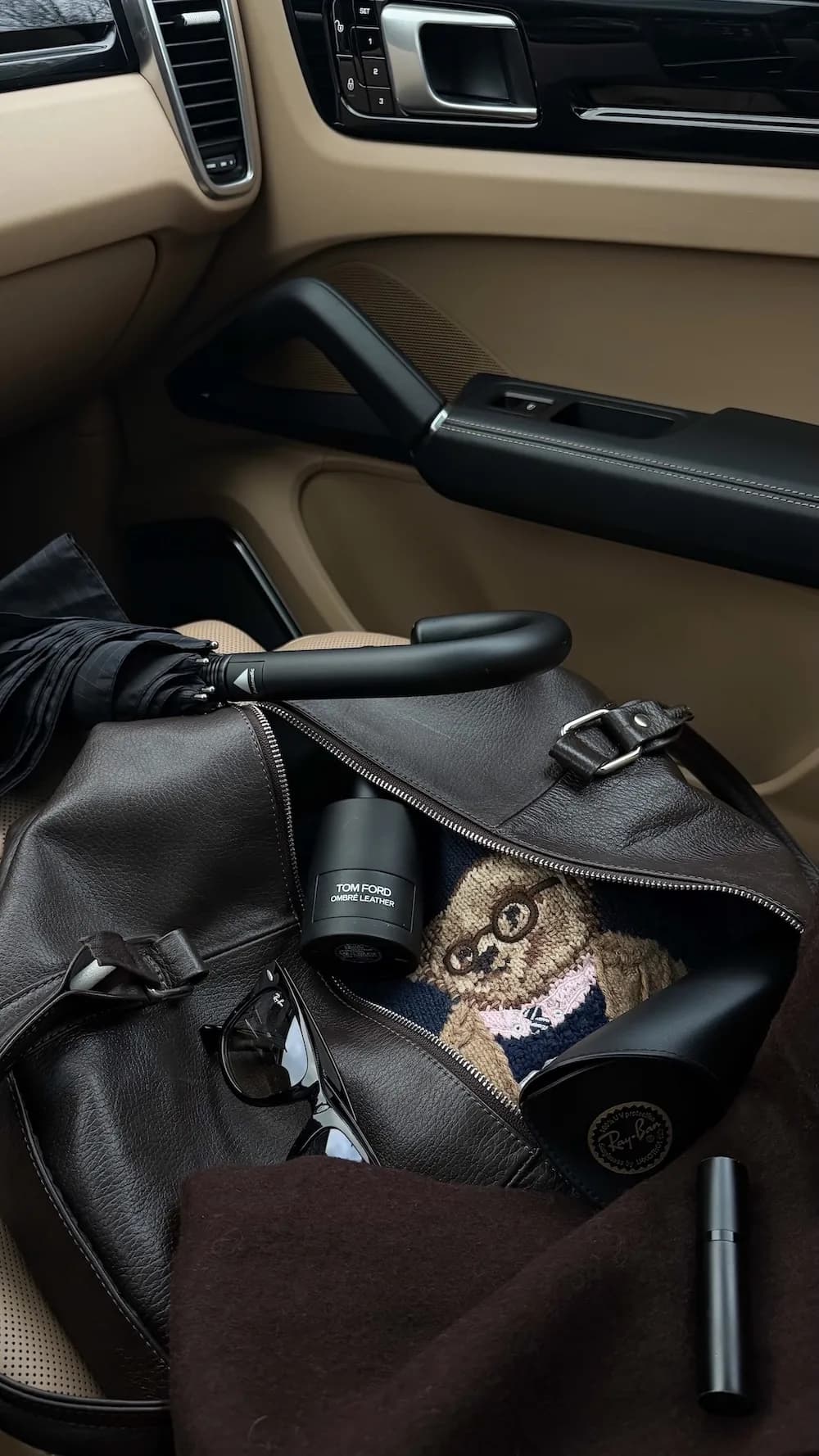
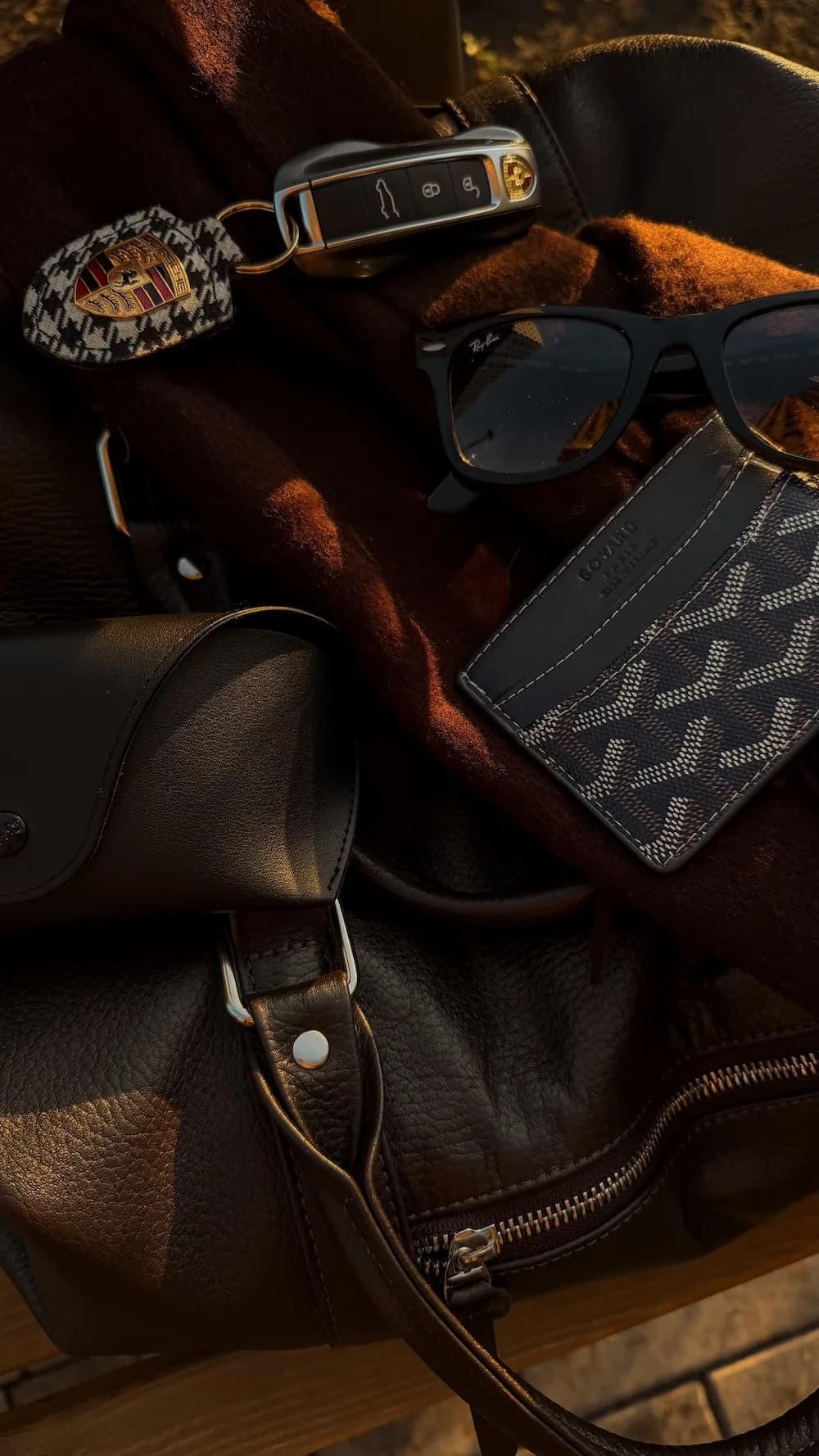
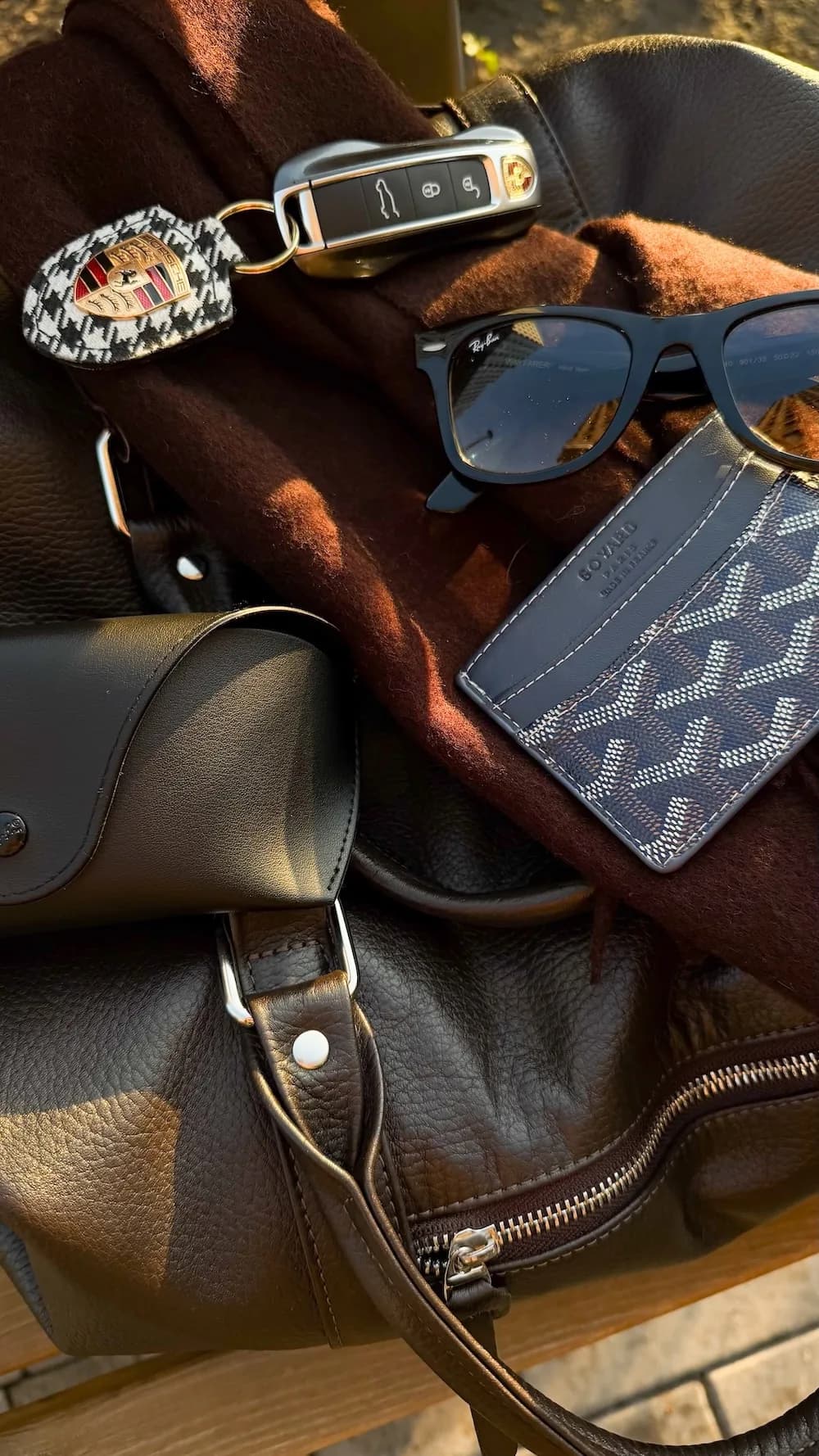
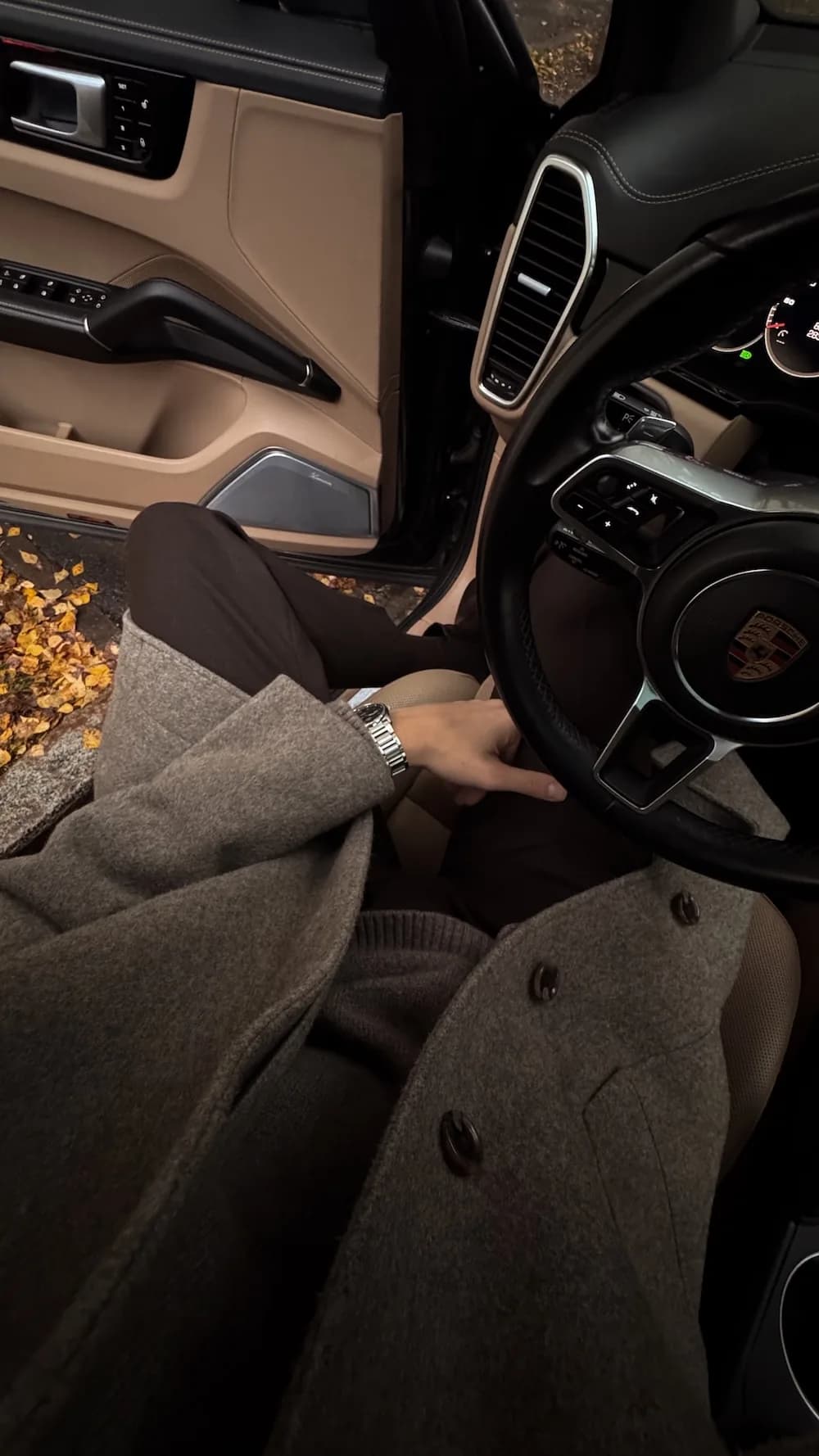
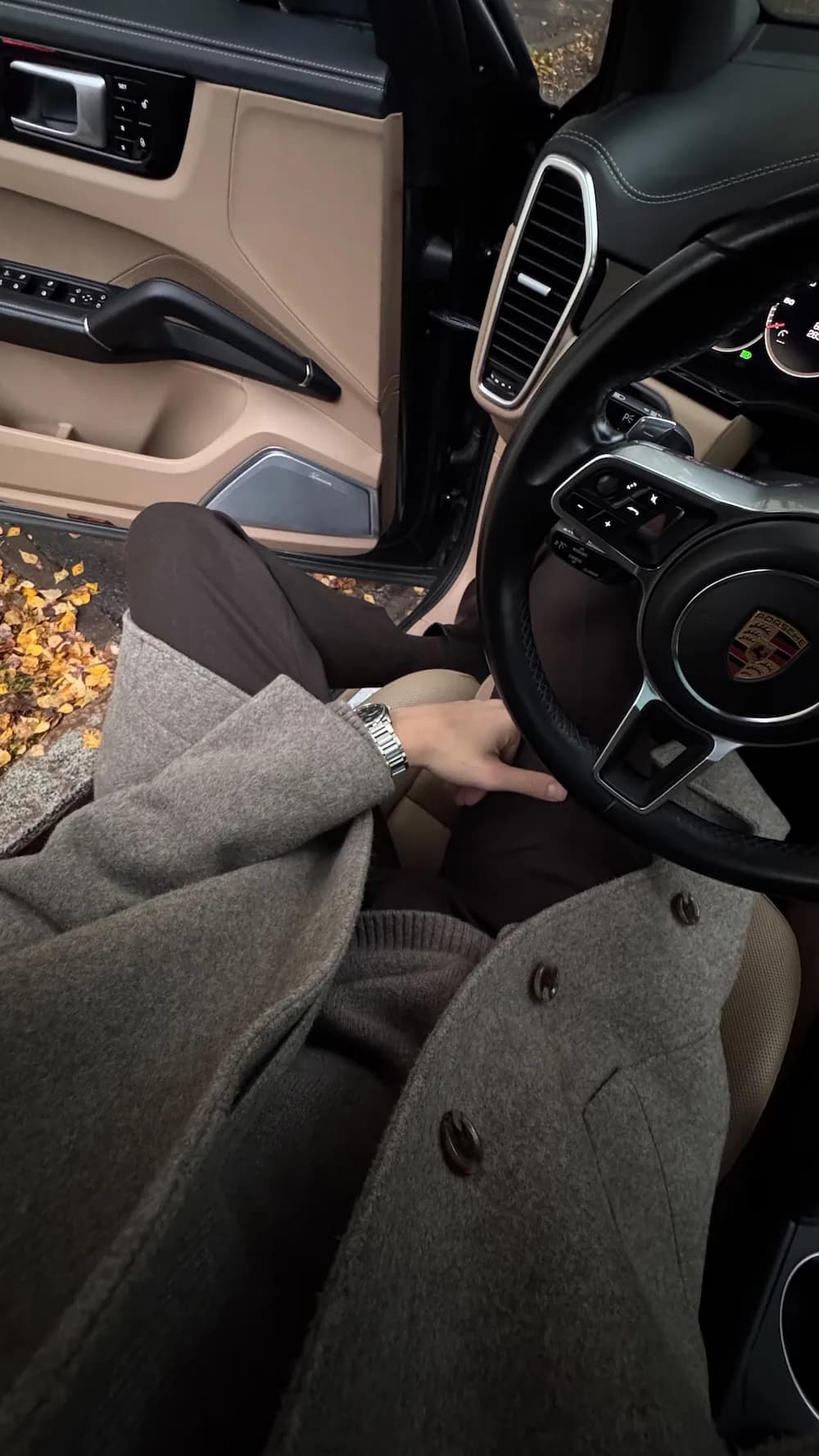
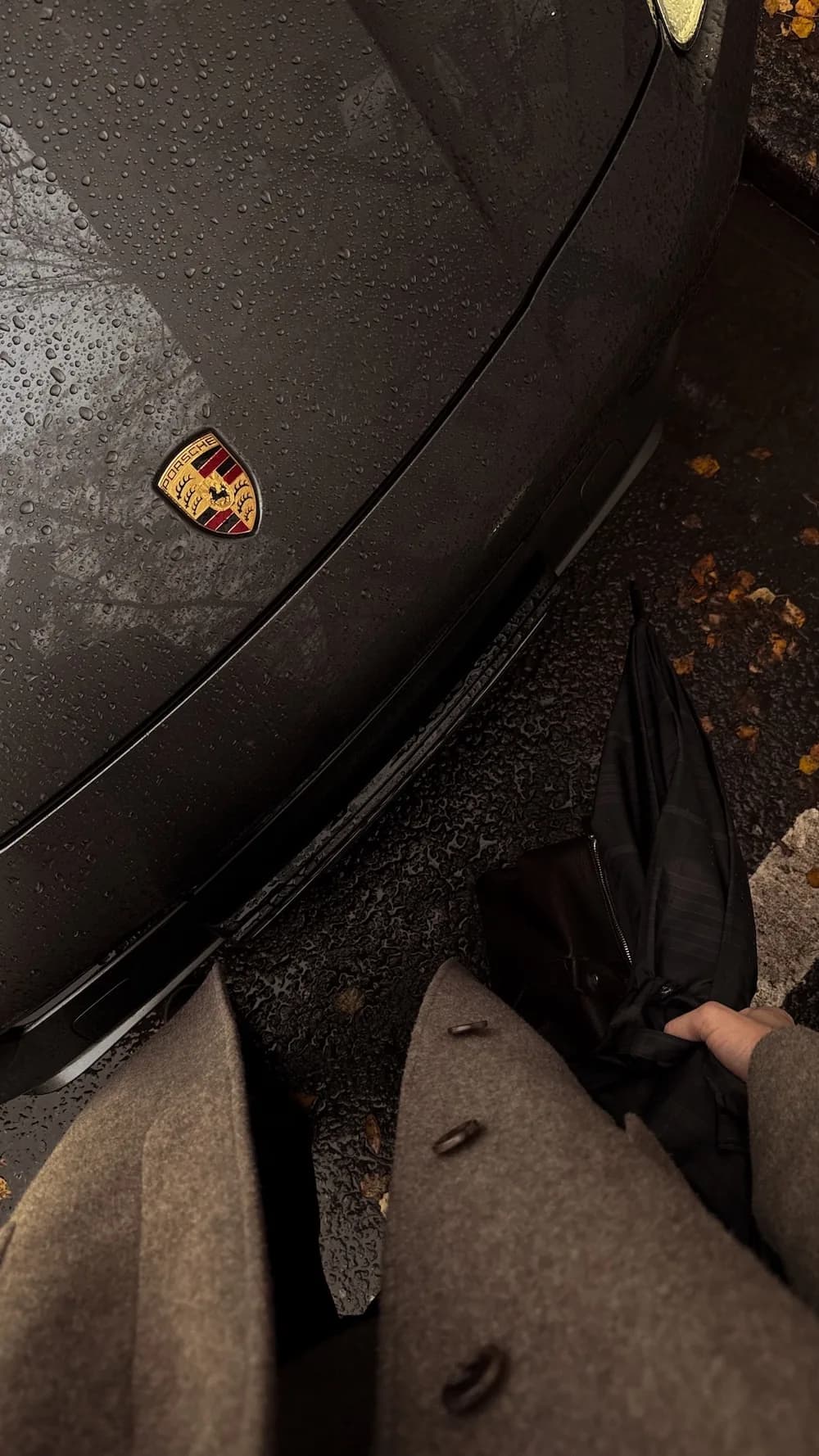
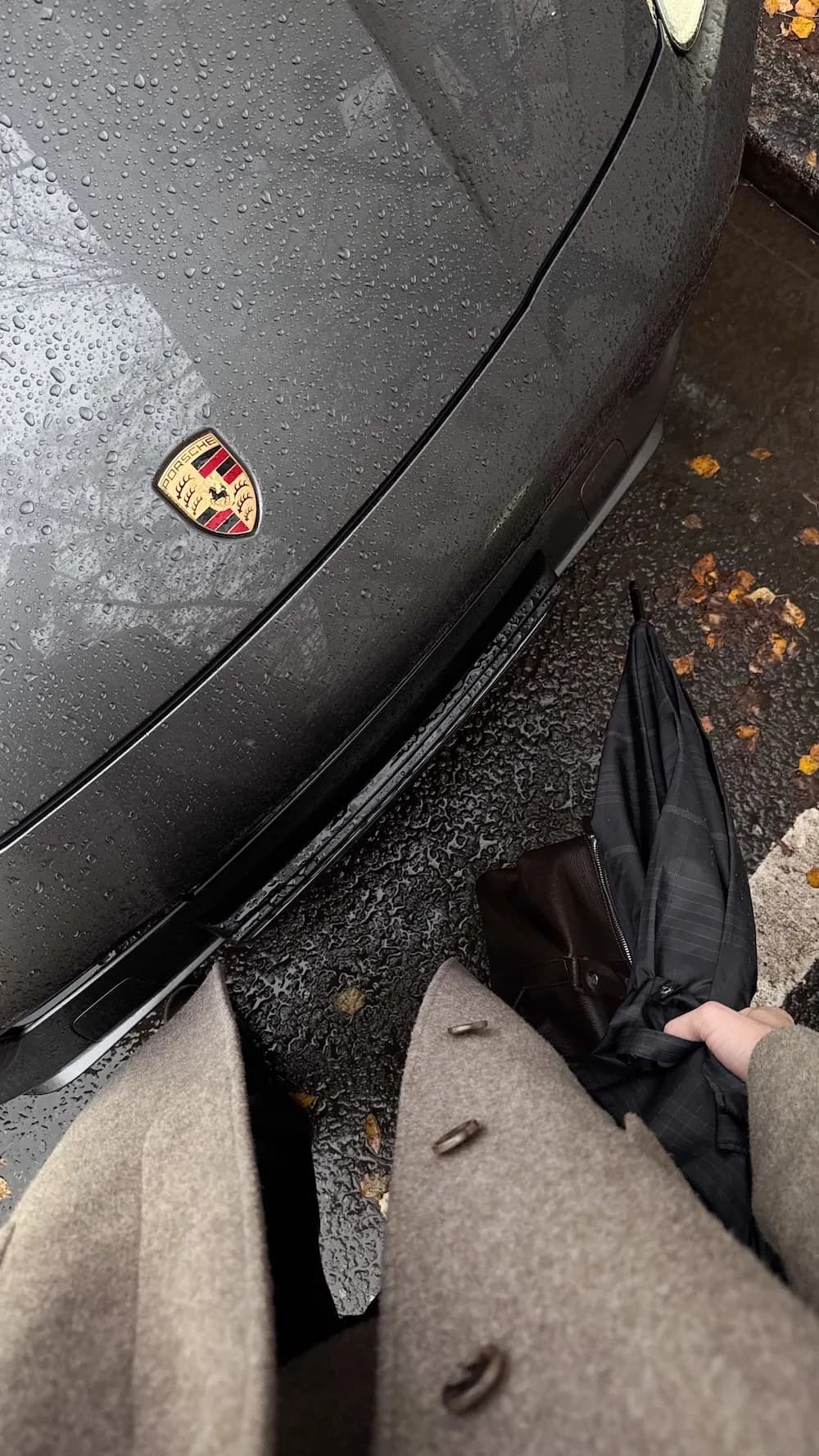
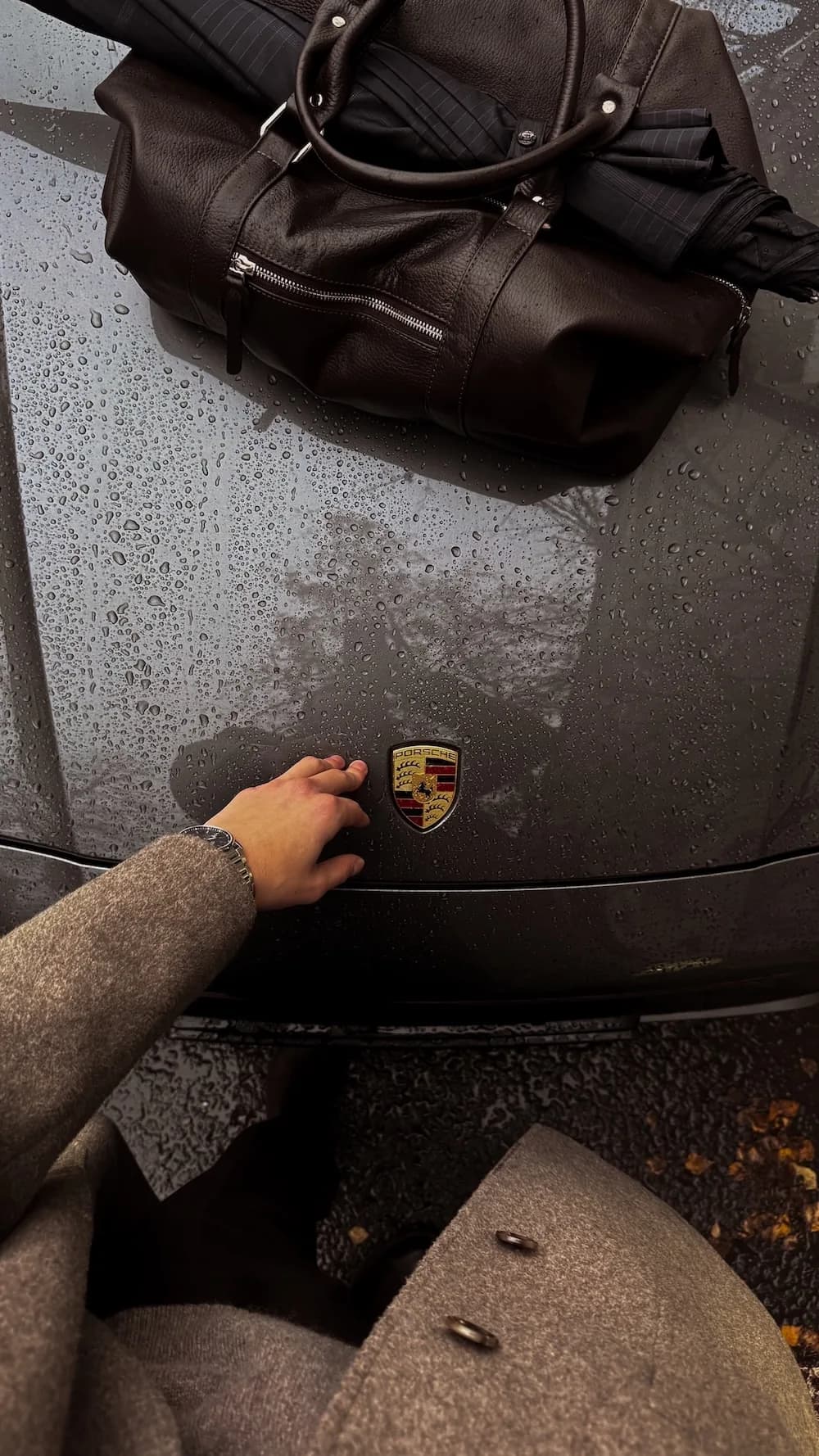
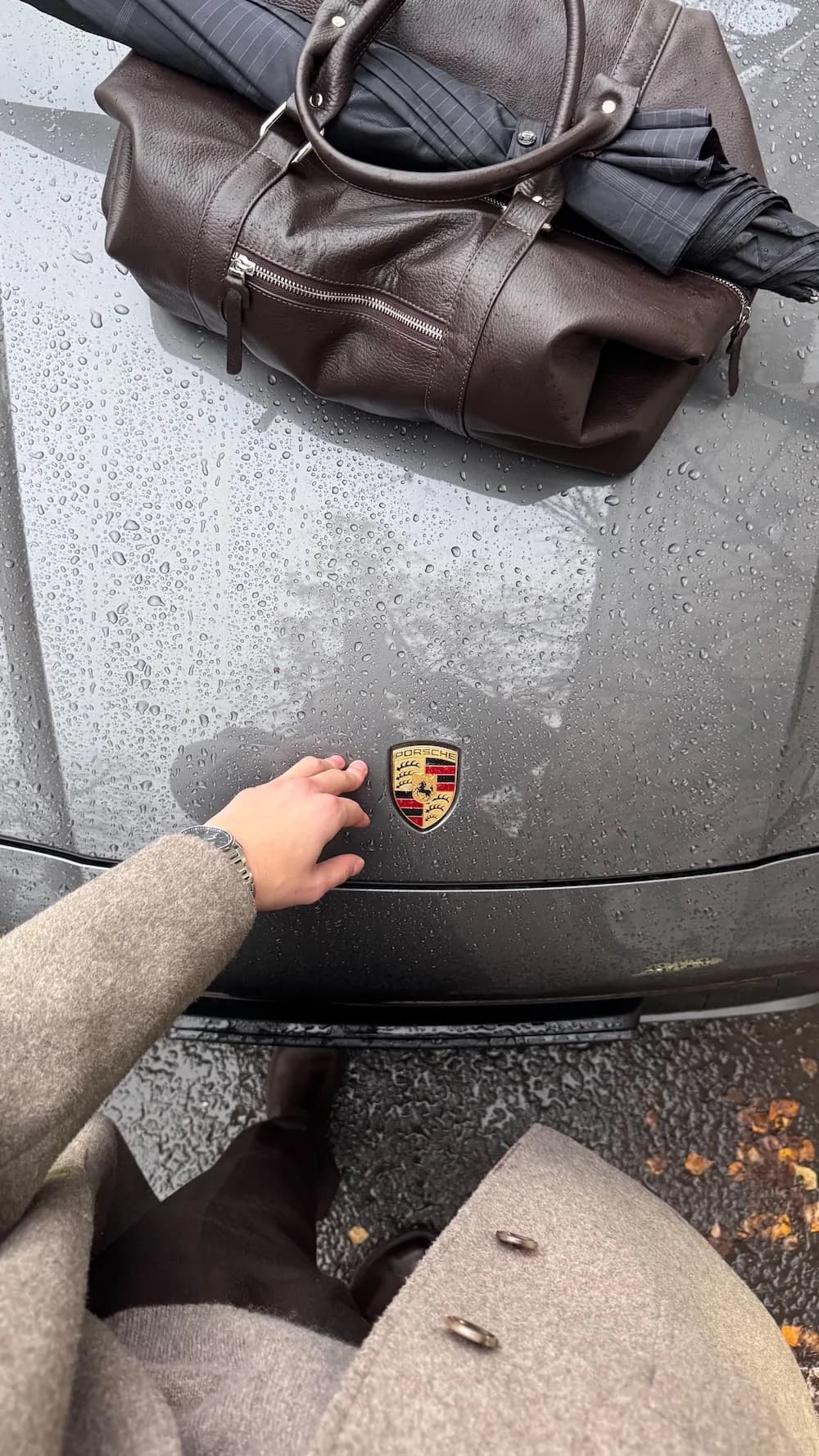
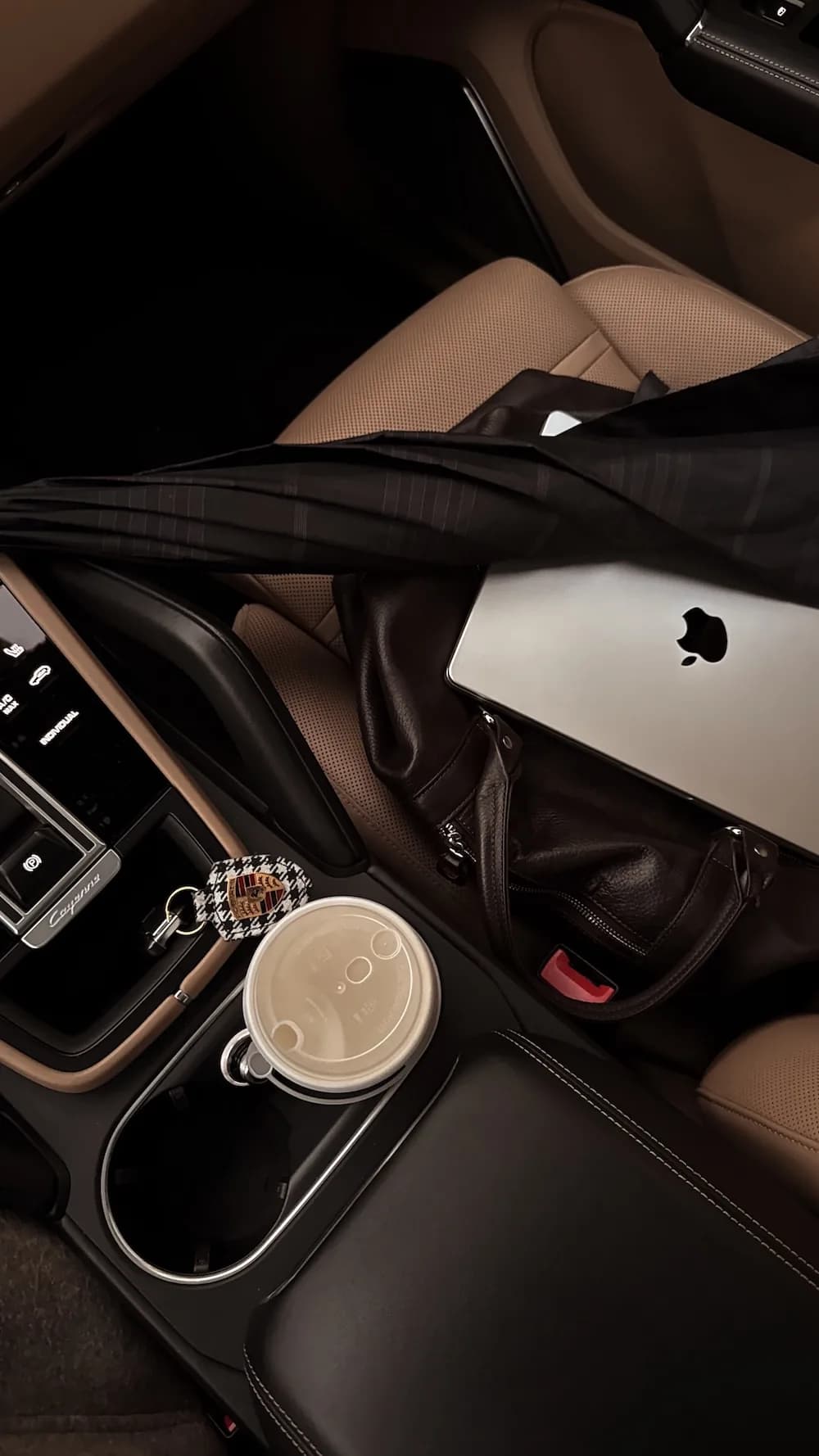
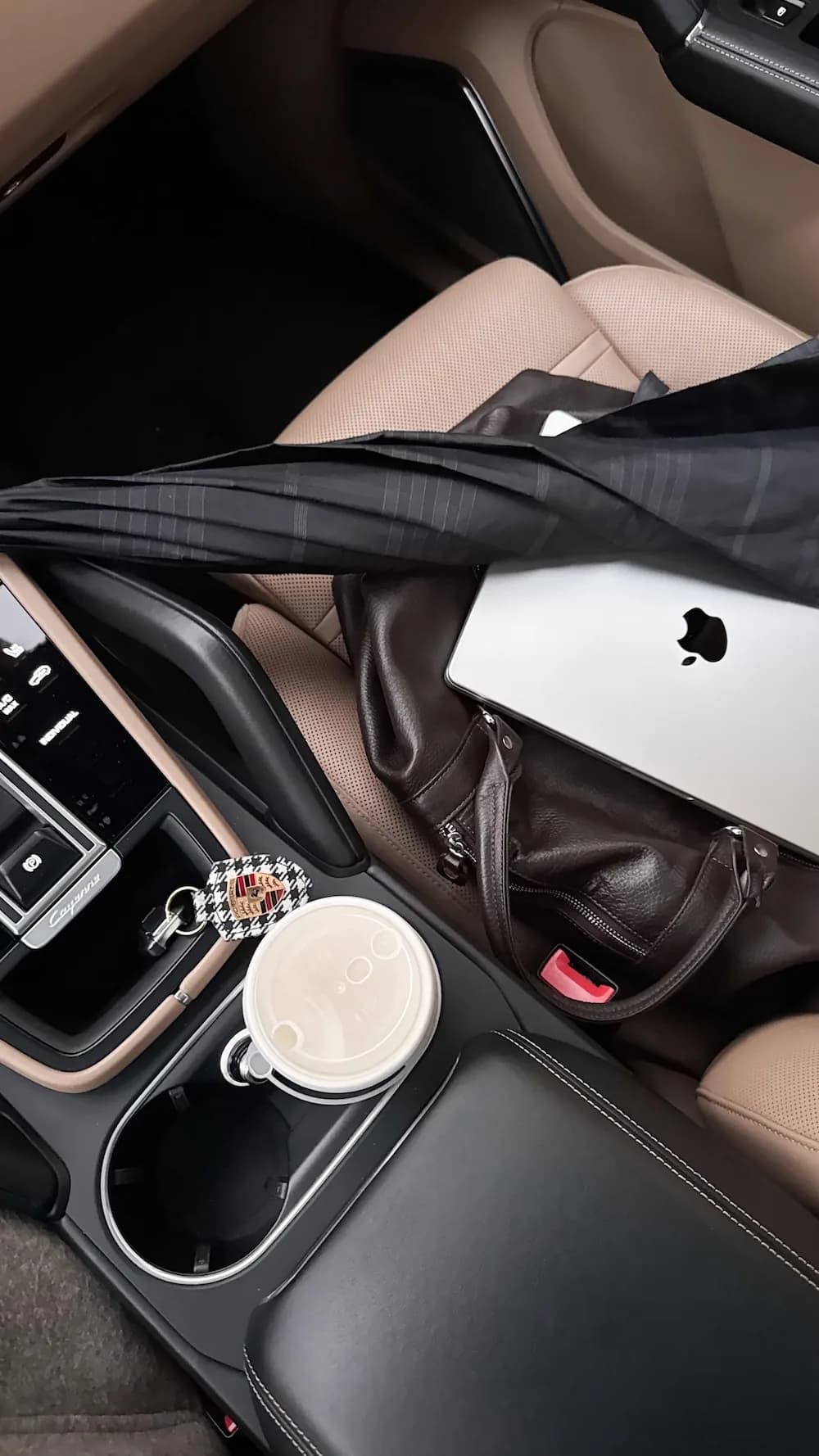
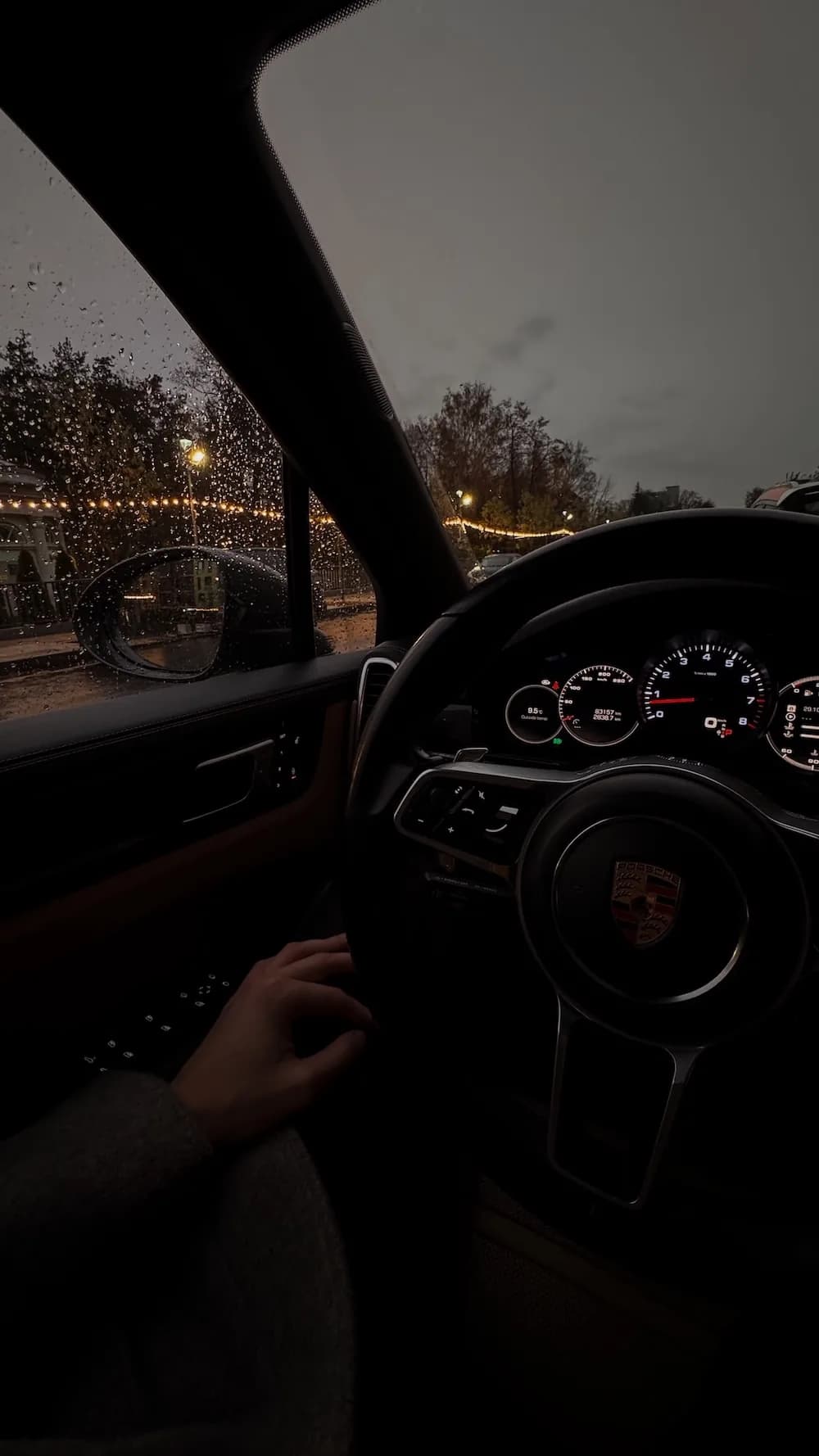
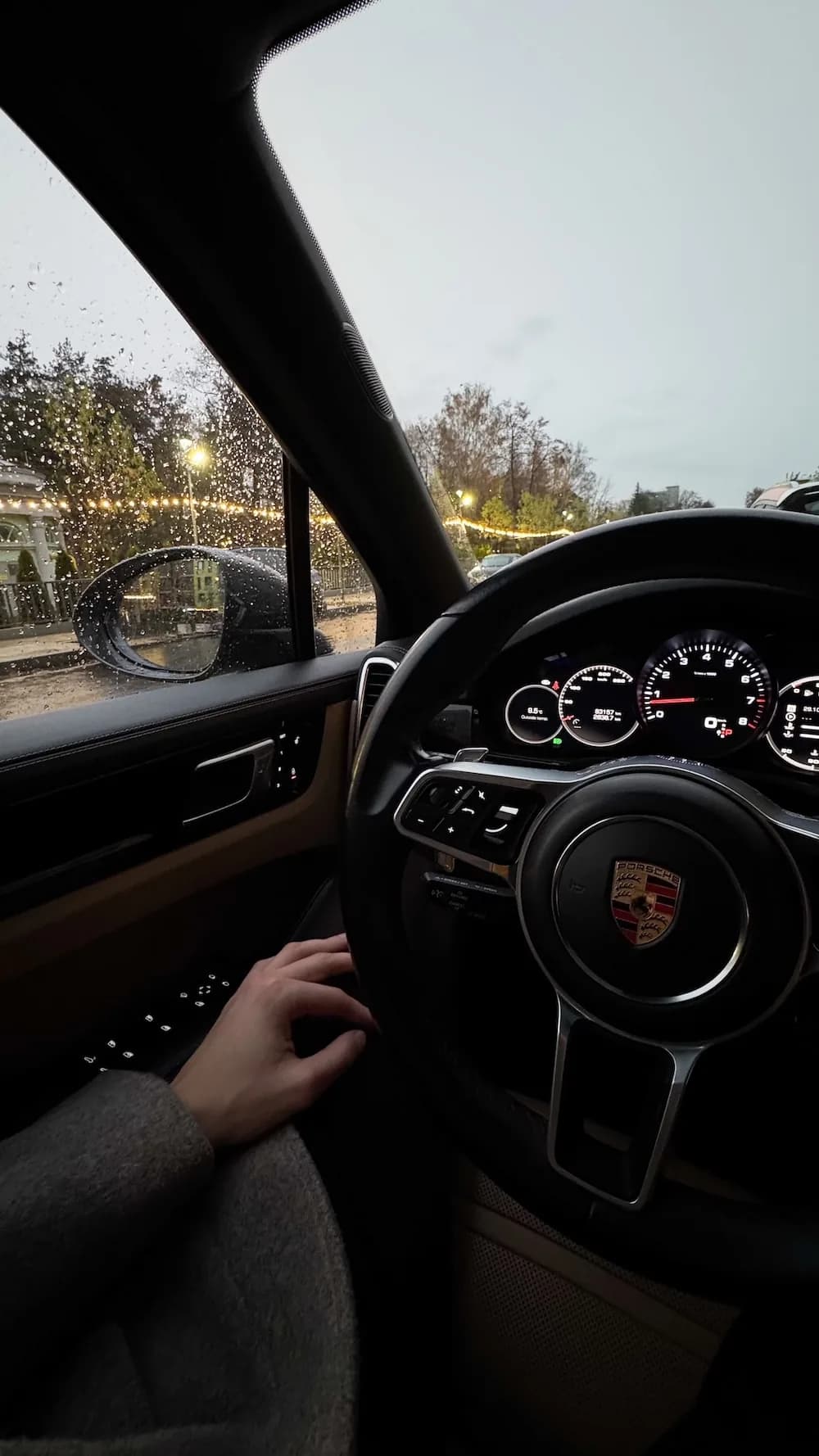
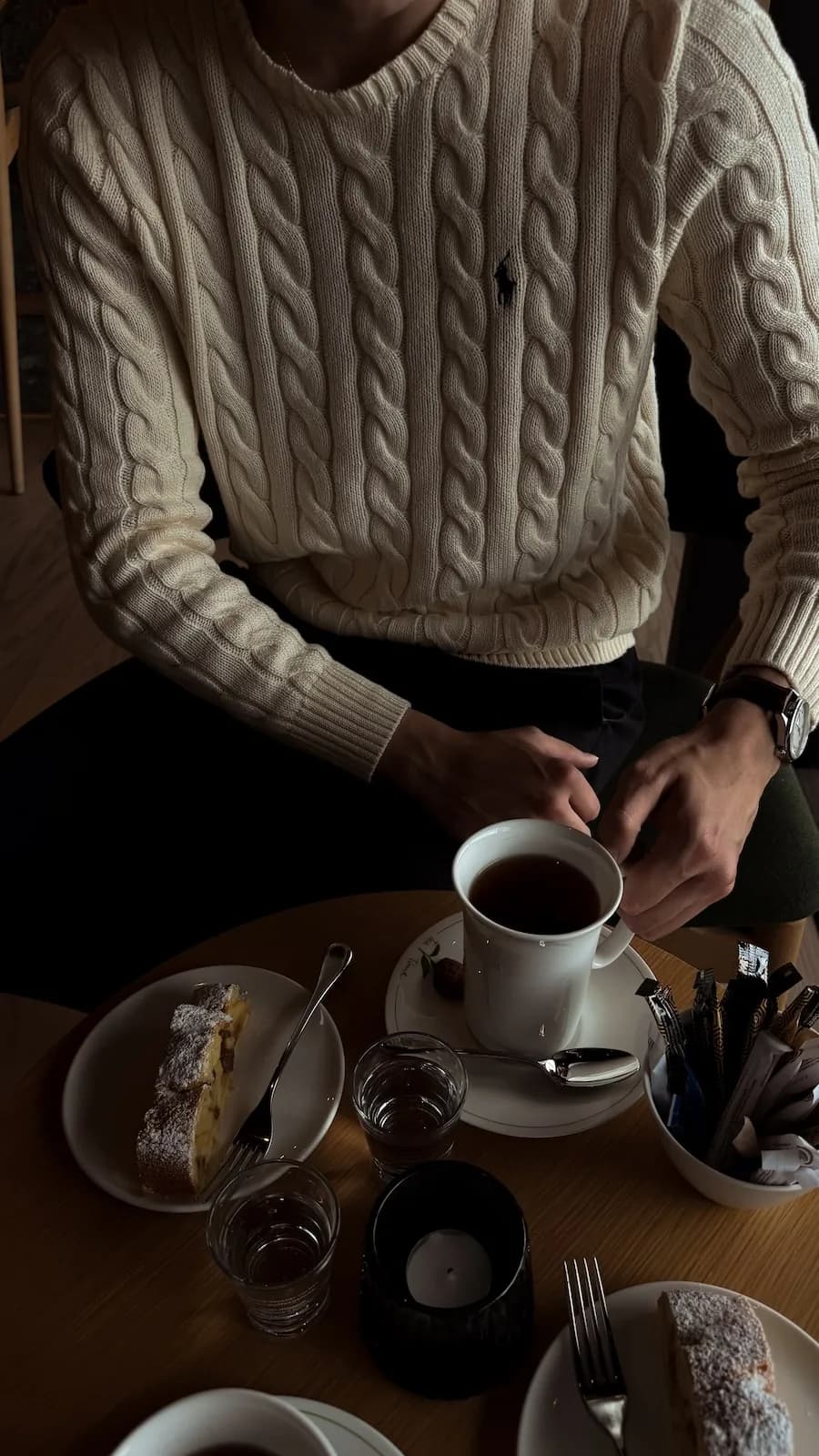
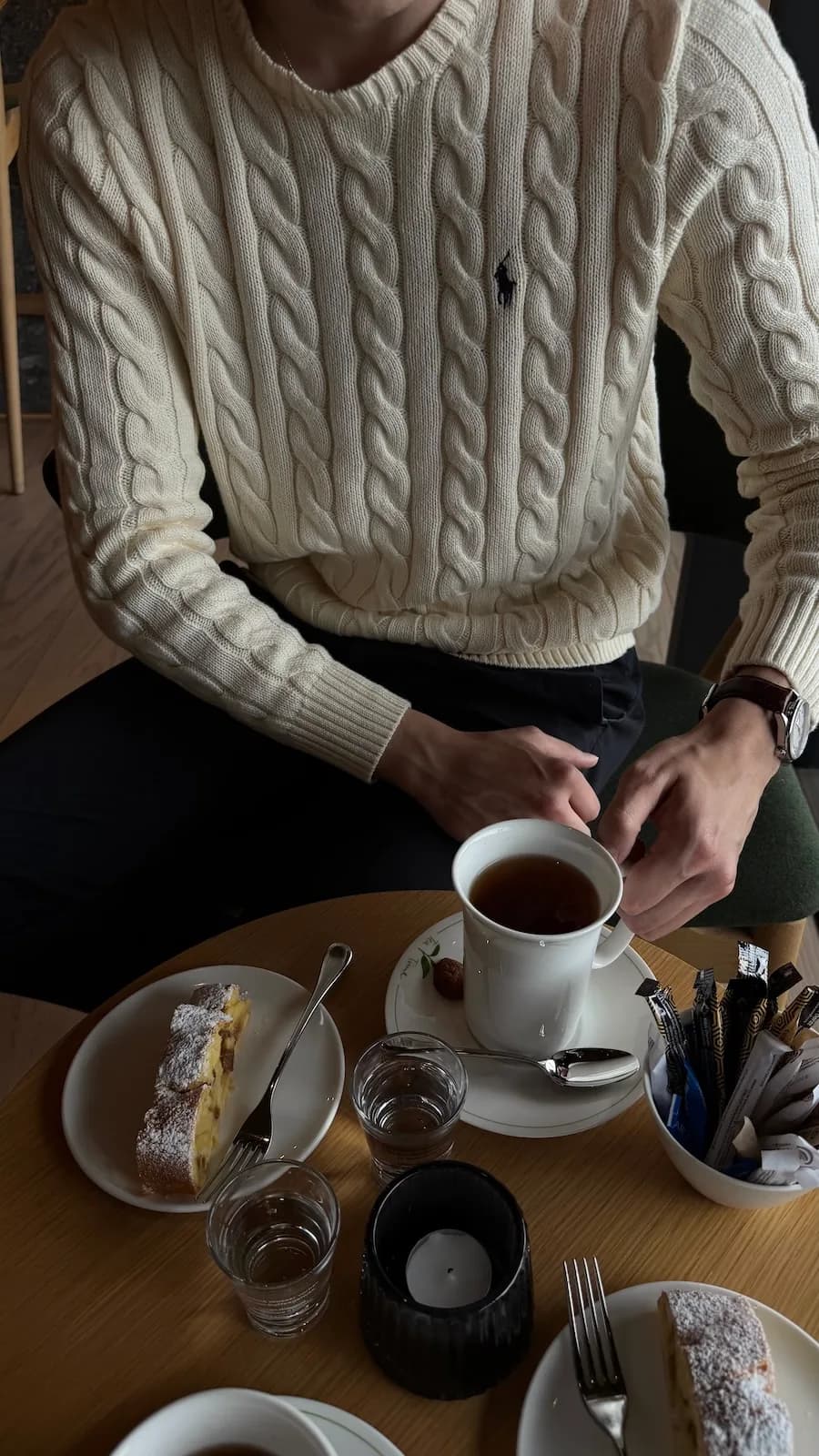
Edit your photos like this in 1 tap.
No editing skills needed.
What you get
Plain, no surprises
21 Brown LUTs by @inspireandgentle.
Apply in VN, Final Cut, PremierPro, DaVinci Resolve, CapCut Desktop
Guide for LUTs
Exposure guide, recommendations & welcome letter
Installation guide
Step-by-step with screenshots. Doesn't matter if you've never done this.
Your download link is sent here right after payment.
Perfect if you
Color grade Reels on your phone and desktop
Works in VN Mobile & CapCut Desktop, FinalCut, Da Vinci Resolve — free apps on iOS, Android and Desktop
Never color graded before
Drop the .cube file in your app, tap to apply. Done
Want cinematic color without filming differently
Works over any footage — bright, dark, or mixed light
Common doubts
Quick answers before you buy
What app do I need to use LUTs?
Any editor that supports .cube files — VN Mobile, CapCut Desktop, DaVinci Resolve, Premiere Pro, or Final Cut. Works on both mobile and desktop.
What exactly is a LUT?
A color grading file that transforms your video's look in one click — the same way a preset works for photos.
Do I need video editing experience?
Basic timeline knowledge is enough. Drop the LUT onto your clip, adjust the strength if needed — that's it.
How many times can I use them?
Unlimited. Once purchased, they're yours forever — use them on every video you make, no restrictions.
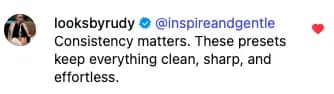
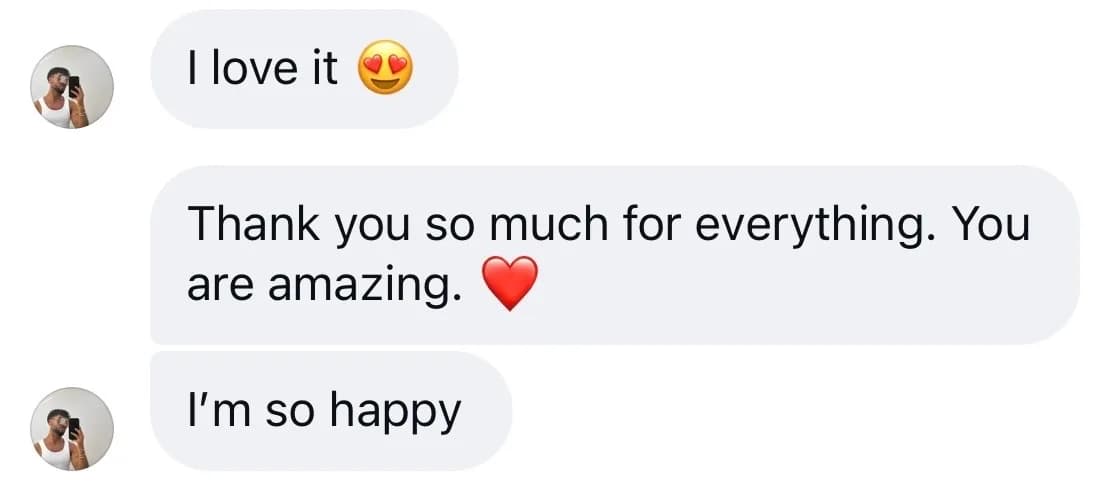
Real feedback
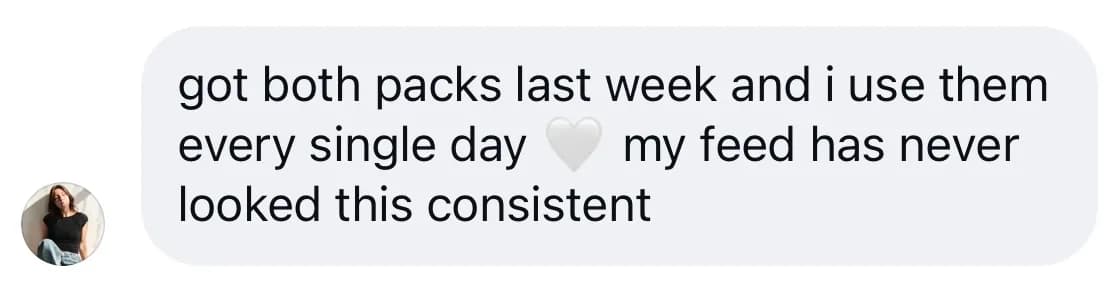
Trusted by 250+ creators worldwide

Best for
- Travel
- Lifestyle
- Outfit content
- Quiet luxury edits
$19.99 $24.99